

Why Do My Hands Hurt While Learning to Type?
If your hands hurt while learning to type, the first question is not “How do I push through it?” but “What changed?” New touch-typing practice can suddenly ask each finger to move in unfamiliar ways. Tension, forceful key presses, awkward wrist angles, and doing too much too soon can add to the workload. Pain is not a required milestone of learning, and symptoms that are severe, persistent, numb, tingly, weak, swollen, or disruptive to everyday hand use deserve medical attention.
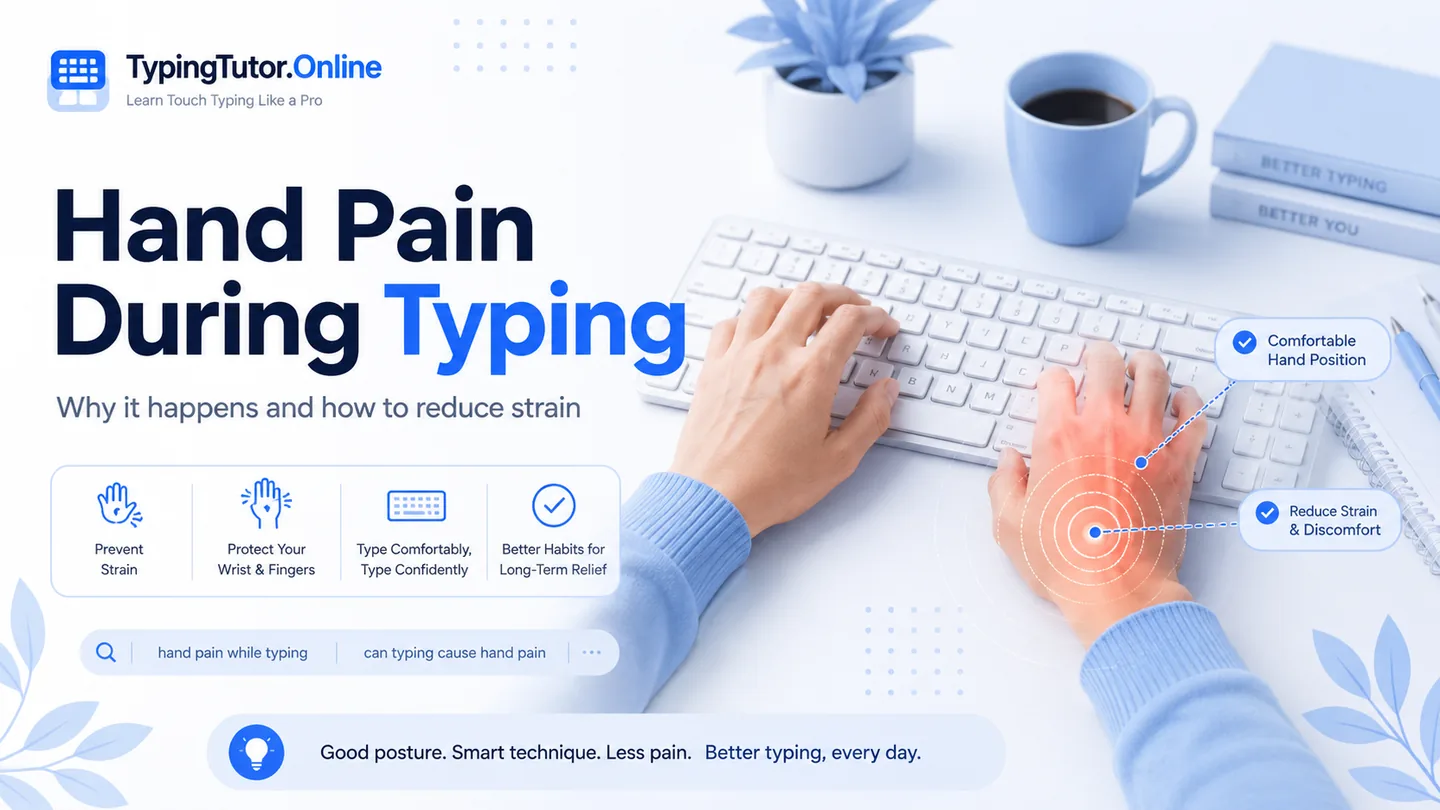
This is an educational typing and ergonomics guide, not a diagnosis. Stop practice and seek medical advice if pain is severe, persists despite rest, follows an injury, causes numbness, tingling, swelling or weakness, or makes it difficult to grip, hold objects, eat, work, or use the hand normally.
Why your hands can feel different when you begin touch typing
Before learning touch typing, many people use only a few fingers and move the whole hand around the keyboard. Structured lessons change that pattern. The ring fingers and little fingers begin doing deliberate work, the index fingers cover several columns, and every finger repeatedly returns toward a home position. That change can feel surprisingly demanding at first.
There is an important difference between new coordination and pain. Feeling clumsy, slow, or mildly tired after a new skill is not the same as sharp pain, persistent aching, pins and needles, weakness, or pain that interferes with ordinary tasks.
Five common reasons beginners tense up
- Pressing keys too hard. Most modern keyboards require very little force.
- Holding fingers rigidly. Fingers should stay gently curved, not stretched like claws.
- Bending the wrists. A keyboard that is too high, low, far away, or sharply tilted can encourage awkward wrist angles.
- Raising the shoulders. Concentration often makes beginners unconsciously shrug.
- Practising too long too soon. A sudden jump from casual typing to repeated drills can create more hand workload than expected.
Hand pain during typing versus ordinary learning fatigue
A beginner may search for “hand pain during typing,” “hand pain while typing,” “hand hurts when I type,” or “can typing cause hand pain.” These phrases describe symptoms, not a diagnosis. Repetitive keyboard use can contribute to discomfort in some people, but hand pain has many possible causes, including conditions unrelated to typing.
Instead of trying to name the condition yourself, pay attention to the pattern: Does discomfort increase as the session continues? Does it settle after rest? Is there tingling or numbness? Is grip strength affected? Is only one finger involved? Those details matter more than guessing a label.
What to change before your next lesson
- Move the keyboard close enough that your elbows can stay near your body.
- Keep hands, wrists and forearms roughly in line rather than bending the wrists up or sideways.
- Let the fingertips contact the keys lightly.
- Release each key immediately instead of holding tension after the press.
- Use the tutor’s shorter lesson duration while building coordination.
- Take a break at the first sign that relaxed movement is turning into discomfort.
- Prioritise accuracy and calm movement before speed.
If your little finger or index finger hurts
Index finger pain while typing and pinky finger pain while typing are common search concerns because those fingers have very different workloads. The index fingers cover more keys, while the little fingers may be weaker or less accustomed to deliberate movement. Do not stretch any finger rigidly toward a key. Allow small hand adjustments when necessary and return gently to the home row.
Do not use the lesson timer as permission to keep hurting
A timer is useful for organising practice, not for deciding what your body can tolerate. If your hands are becoming painful, stop even if the lesson says two minutes remain. TypingTutor.Online includes short sessions and inactivity protection because productive practice should be active, relaxed practice—not time spent enduring discomfort.
Common questions
Is hand pain normal when learning to type?
Pain should not be treated as a normal requirement of learning. Mild temporary fatigue can happen with unfamiliar movement, but significant or persistent pain is a reason to stop and reassess.
Why do my fingers hurt while typing?
Possible contributors include repetitive use, hard key presses, tense technique, awkward wrist position, or another hand problem. Persistent symptoms should be medically assessed rather than assumed to be training soreness.
Can better touch-typing technique reduce strain?
Relaxed technique can reduce unnecessary force and awkward movement, but it cannot diagnose or treat an underlying medical condition.
Sources and further reading
These references support the general ergonomics and symptom-safety guidance in this article.