

When Typing Pain Is Normal — and When You Should Stop and Rest
Beginners often ask whether typing pain is “normal.” A more useful question is: what kind of sensation is it, how strong is it, does it improve after stopping, and does it affect normal hand function? Mild temporary fatigue from unfamiliar movement can happen, but sharp or escalating pain, numbness, tingling, weakness, swelling, or trouble gripping should not be treated as normal typing practice.
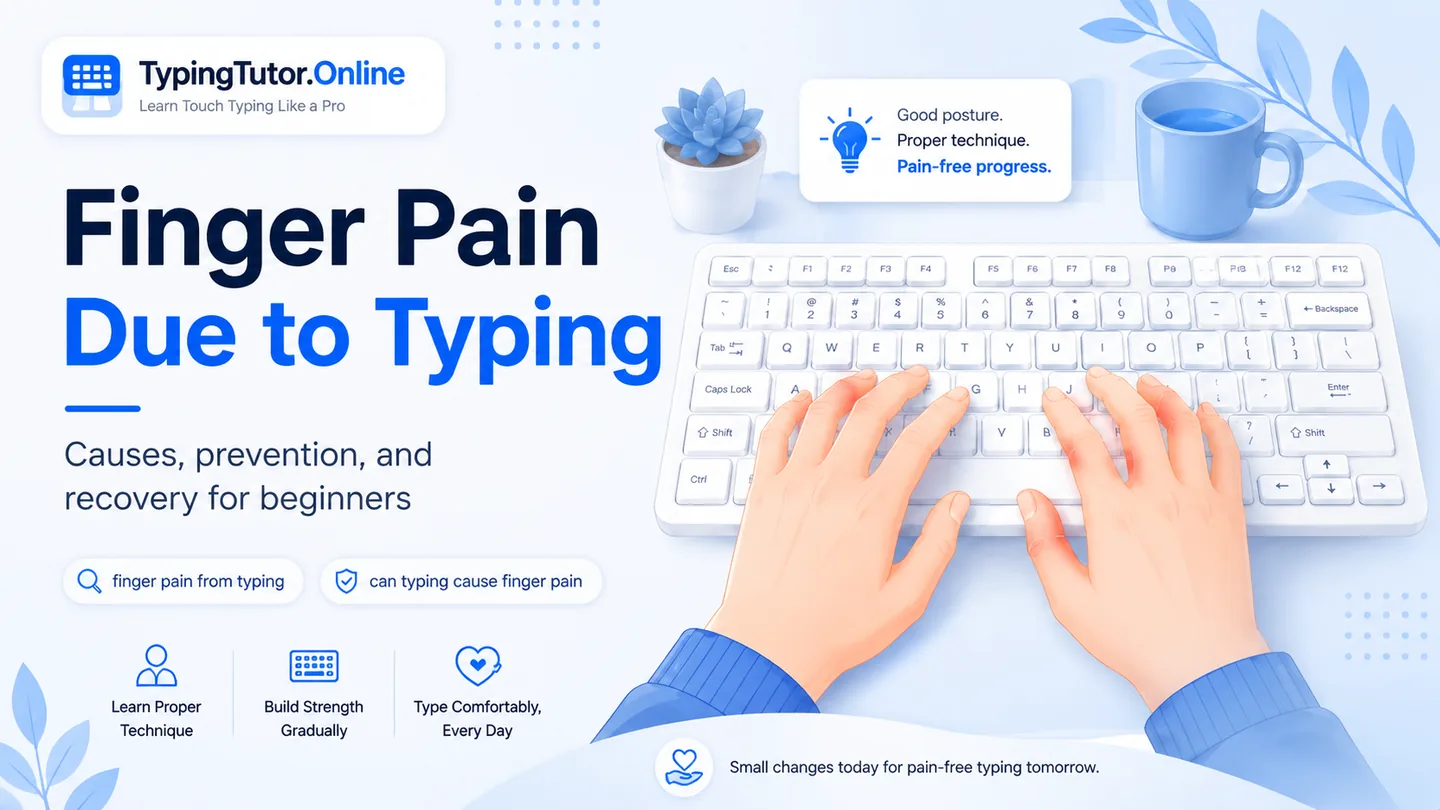
Hand and finger symptoms can have many causes. If you have severe pain, loss of feeling, weakness, swelling, symptoms after an injury, or difficulty moving the hand or holding objects, seek medical care.
What mild practice fatigue can feel like
After learning a new movement pattern, a beginner may notice temporary tiredness, awareness of muscles that were not used deliberately before, or a desire to shake out the hands. Mild fatigue should improve when you stop and should not progressively interfere with normal hand use.
Signs that mean “stop the lesson”
- Pain that becomes sharper or stronger as you type.
- Burning, shooting, or electric-like pain.
- Numbness, tingling, or persistent pins and needles.
- Noticeable weakness or loss of finger control.
- Swelling, redness, or a joint that feels abnormal.
- Hand cramps that do not settle when you relax.
- Difficulty gripping, opening containers, holding food, or performing ordinary tasks.
- Symptoms that remain significant after rest or repeatedly return.
Why numbness and tingling matter
Numbness and tingling are not useful “muscle-building” sensations. Conditions involving nerves can produce these symptoms, including carpal tunnel syndrome, but typing is not the only possible cause. Do not keep practising to see whether the sensation goes away.
Finger joint pain while typing deserves caution
Pain in finger joints due to typing can be described in many ways: aching, stiffness, tenderness, or pain during a specific movement. Because joints can hurt for reasons unrelated to keyboard use, persistent joint pain should not be labelled as a normal consequence of learning.
What to do after you stop
End the repetitive typing activity, relax the hands, and change position. Do not repeatedly test the painful motion every few minutes. If the symptoms are mild and settle, review your workstation, key force, session length, and technique before returning. If they are severe, persistent, recurrent, or affect normal function, seek medical advice.
When urgent assessment may be needed
Official health guidance advises urgent assessment for severe hand pain, loss of feeling, inability to move the hand or hold things, significant injury, or changes in shape or colour. Local emergency/urgent-care advice varies by country, so use the appropriate medical service where you live.
What TypingTutor.Online should do when your hands need a break
The tutor should support stopping, not compete with it. You can pause, end a lesson, switch to shorter duration, and return later. Progress is useful only when the movement itself remains controlled and comfortable.
Normal versus concerning symptoms
Is soreness after typing always dangerous?
No, but “soreness” is vague. Mild short-lived fatigue is different from severe, persistent, neurologic, swollen, or function-limiting symptoms.
What if my finger hurts only when I press one key?
Stop repeatedly provoking the pain. Check technique and position, and get medical advice if the symptom persists or is significant.
What if my hand feels weak after typing?
Weakness deserves more caution than ordinary fatigue, especially if gripping or finger control is affected. Stop typing and seek medical advice if it persists or is significant.
Sources and further reading
These references support the general ergonomics and symptom-safety guidance in this article.