

Start Learning to Type
New to typing or returning to improve? Follow a simple route from finger position to lessons, daily practice, tests and targeted speed training. Every step links to a working TypingTutor.Online tool.
No account is required to start the core typing course.
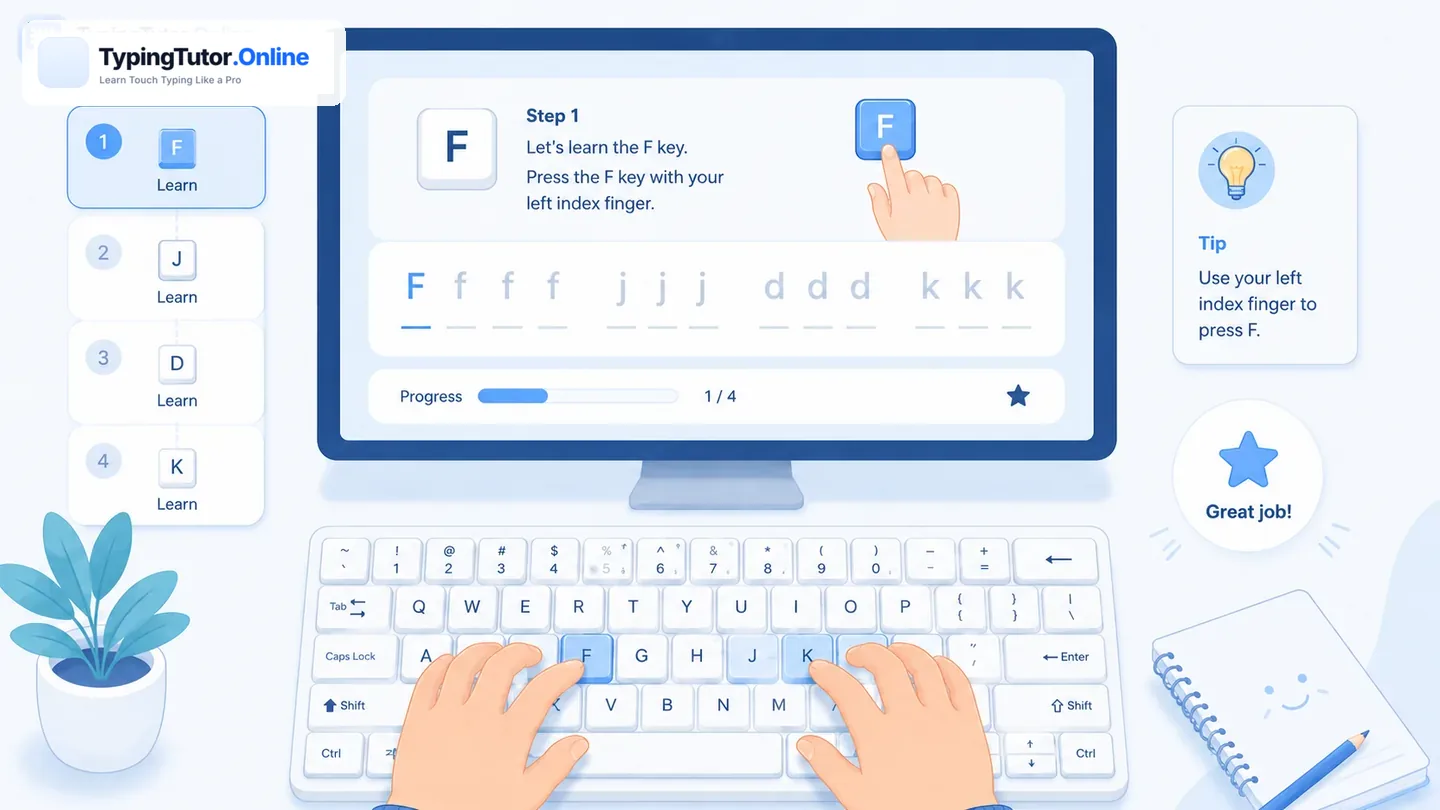
Learn typing on a laptop, keyboard or in ten days
Start with clear finger-placement instructions for any keyboard, or follow a flexible day-by-day plan. Both guides lead to real TypingTutor.Online lessons.
What would you like to do?
Choose what matches your skill level. You can switch between learning, practice and games anytime.
A simple learning sequence
Repeat a stage when it feels difficult. Accuracy and consistency matter more than rushing.
- Learn the home row
Find F and J, place your index fingers there, and let the other fingers rest on ASDF and JKL;.
See finger positions → · See the live Hand Guide styles → - Complete a short lesson
Follow the highlighted letters and return your fingers to home row after each reach.
Open the typing tutor → - Make practice a habit
Use the daily routine to repeat a weak skill rather than starting random exercises.
Open today's practice → - Measure and adapt
Take a comparable test, note WPM and accuracy, then train the keys that caused errors.
Choose a typing test → - Retest and keep going
Use Speed Improver to target weak transitions, and games to keep practice fun.
Open Speed Improver →
Take the typing booklet with you
Our existing eight-page Typing Learning Booklet introduces the keyboard, hand position, sensible daily practice and progress tracking. It is useful for beginners, parents, teachers and classrooms.
Read the revised eight-page booklet online or download the PDF for offline reference. Its last page links directly to the 7-day starter plan and 30-day tracker. The online lessons remain the place to practise interactively.
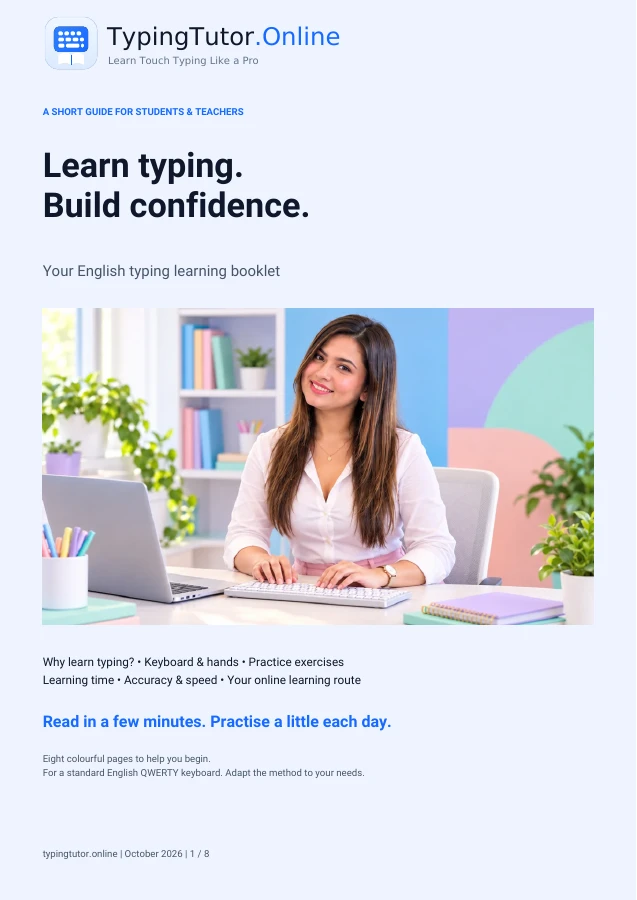 8-page illustrated guide →
More help for the next stage
Practice with a plan
Use a free learning checklist, record your results, and print or export your progress. No login required.
Questions and answers
Where should I start if I have never learned typing?
Begin with finger placement and the first lesson. Spend short sessions on accuracy before trying to type fast.
Can I use TypingTutor.Online without an account?
Core lessons, typing practice, games, and standard tests can be used as a guest. An account is useful for eligible synced progress features.
Should I play games or take tests first?
Build a foundation with lessons first. Games provide enjoyable repetition; tests measure current speed and accuracy.
More than a course: find your next tool
Lessons teach finger positions, but further practice can use per-key feedback. Open Stats and the Weak-Key Coach to find difficult keys, then Speed Improver for adaptive coaching and retesting. Unsure what synchronizes to an account? See the features and progress-storage guide.
What to do if you have never learned touch typing
On day one, the aim is not a certain WPM. It is to recognise the home-row positions and press a few keys without looking down. Start with the F and J finger placement guide, then practise the opening lesson. You can stop after a short, accurate session and return later without having to finish several lessons at once.
Signs you are ready to continue
You can find F and J by touch, use a thumb for Spacebar and return fingers after a reach. New keys may still feel awkward. Repeat short sessions rather than forcing speed or long practice when your hands become tense.
What should come next?
Continue through the gradual 60-lesson course, try a short typing test only when you are comfortable, and use Daily Practice to choose a manageable next step.
The downloadable booklet and printable plans provide offline reminders; the actual lesson and results run online. Progress may be browser-local for a guest, so use the available export or account options if keeping a record matters to you.