


Start with a baseline test
Choose a typing test that matches your current ability. Record the test duration and text type alongside the results. A one-minute test is useful for a quick check, while a longer test can show how well you sustain your pace. Compare a later result with a similar test rather than treating every result as equivalent.
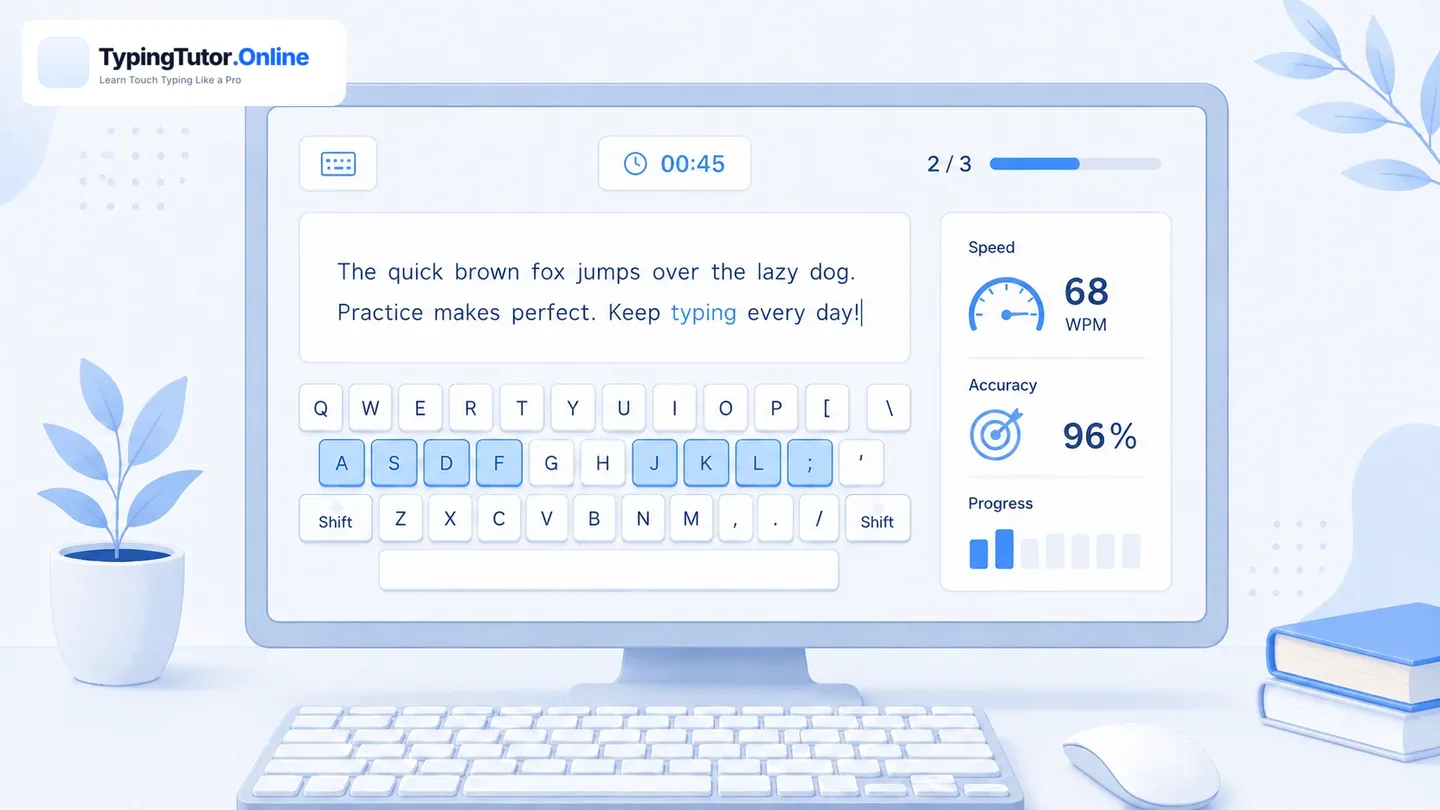
What each progress number means
Your typing pace. Use it together with accuracy, not by itself.
How reliably you type the required characters. Fewer errors make the speed more useful.
Repeated missed keys or combinations help identify what to practise next.
Several comparable sessions show whether the improvement is becoming reliable.
Find your progress on TypingTutor.Online
Open Stats from the main tutor to inspect the available lesson and typing statistics. Results shown depend on the activity and how they are stored. Some tools, including the Speed Improver, keep detailed diagnostic history in the current browser. Account-based sync is available only for the activities and plans that support it; do not assume that every game or browser-only drill is saved across devices.
Browser progress, backups and account sync
Guest lesson, test and practice progress is saved in your current browser. With an optional signed-in account, supported categories—including regular lessons, selected tests, kids, numpad and games—can be synchronized when the sync completes successfully. The account is not a complete backup of every tool: Speed Improver diagnostic history and certain game journals remain browser-local. Use Settings → Data → Export Progress before clearing a browser or switching devices. See the complete feature and storage guide.
Build a simple weekly review
- Practise: complete one guided lesson or short daily practice session.
- Test: use the same test length for your weekly checkpoint.
- Record: write down WPM, accuracy, test duration and missed keys.
- Adjust: choose a weak-key drill or repeat a difficult lesson.
- Compare: look at the pattern over several sessions instead of one best result.
What should I do with a poor result?
Check whether accuracy dropped when speed increased. If so, slow down and revisit the problem keys. If the errors are low but speed is flat across several comparable sessions, try the personalized Speed Improver. If you feel tired or tense, take a break and return later.
Better typing means a more reliable combination of speed and accuracy. Improving one while the other collapses is not necessarily lasting progress.