

Typing Learning Booklet: English PDF for Students and Teachers
A small typing learning book for beginners, students and teachers. Download it for offline reading, print it for a class, or use it alongside the online course. It includes our logo, brand ambassador, short explanations and a practice record.
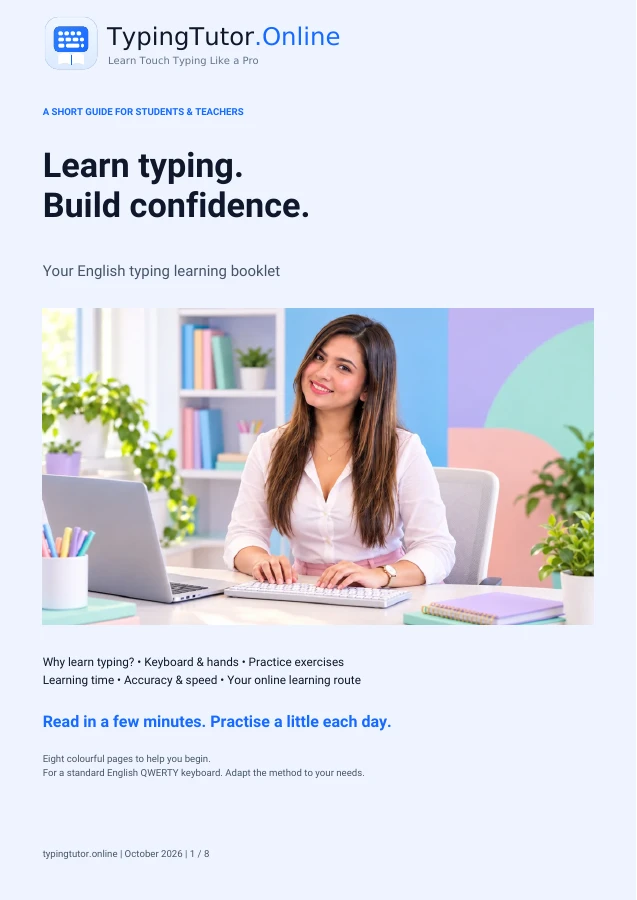
What is inside this typing teaching book?
- Welcome: our brand ambassador introduces the learning journey.
- Why learn typing? practical benefits, technology confidence and realistic learning-time guidance.
- Keyboard basics: colourful key groups and common control keys.
- Hands on the home row: realistic hands, correct finger placement, relaxed technique and a warm-up.
- Daily practice: words, sentences, numbers and a short routine.
- Accuracy and speed: WPM, realistic goals and comparable retests.
- Learn with TypingTutor.Online: course, tests, games, learning areas, accounts and school assignments.
- Next steps: classroom guidance, clickable links and a printable practice record.
Use the booklet with online typing lessons
The PDF explains the basics briefly. Use the guided typing course for interactive lessons, WPM goal tests for a chosen speed target and the speed improver for practice. Younger learners can use the kids section with parent or teacher guidance. Progress depends on the learner; the booklet does not promise a fixed speed gain.
For schools and teachers
Read a section together, demonstrate the skill and let students practise. Use the final page to record an activity and next focus. Print extra copies of that page when needed. The booklet is not a formal grading system or a full curriculum. Online assignments and teacher reports require the current school access and an internet connection.
Explore the school module, read the school teaching guide and learn why keyboard skills belong in schools and colleges.
Downloading and printing
The PDF is in English, with eight A4 pages. Use your browser’s PDF viewer to print at actual size or fit to page. Once downloaded, the booklet can be read without internet; its online lessons and account features still need a connection. You may print or share the unchanged booklet for learning.
How to use the printable booklet with online typing practice
The eight-page Typing Learning Booklet is a reference you can read, print and discuss away from the keyboard. The online course provides the actual key-by-key practice and measured results. Using both together lets learners check finger placement on paper, then apply the same ideas in a lesson.
A suggested first-week routine
- Before typing: read the booklet's home-row and hand-placement explanation. Rest your index fingers on the raised F and J keys and position the other fingers on A S D and K L ;.
- During practice: open the guided typing course. Follow the highlighted character and hand guide on the screen rather than repeatedly searching for the key on your physical keyboard.
- After practice: record the date, minutes, WPM and accuracy in the progress tracker (or on the printable PDF). Note one set of keys to revisit tomorrow.
- At the end of the week: take a short timed typing test to see whether accuracy and control are becoming more consistent.
For students, parents and teachers
Students: bring the booklet to the computer and use it when a finger position is confusing. Parents: encourage short, comfortable practice and celebrate better accuracy rather than pushing speed. Teachers: print the home-row pages for demonstrations, then let pupils work through the lesson sequence at an appropriate pace.
The booklet is a learning aid, not a qualification or substitute for an actual typing assessment. For a measured result, use typing tests. Learners seeking a verifiable, site-issued typing certificate can review certificate eligibility separately.