

Choose the tool for your typing goal
One particularly visual feature is our on-screen Hand Guide. Compare four interactive guidance styles and see real lesson screenshots to learn proper finger assignments. Customize the lesson keyboard in Settings with Classic White or Midnight Dark for free, or choose Ocean Blue, Mint Garden, Lavender Mist and Graphite Gold with Premium. Keyboard colors do not change the typing exercise.
Learn correct technique
60 guided typing lessons introduce the keyboard step by step with on-screen keys, hand guidance, and accuracy-first progression. The core course is free and can be started without an account.
Find weak keys
Weak-Key Coach in Statistics highlights key accuracy, difficult transitions, a keyboard heatmap and a personal smart review after enough typing data is collected.
Improve speed adaptively
Speed Improver follows Diagnose → Analyse → Coach → Retest and creates practice based on observed weak keys, inconsistent rhythm and slow letter combinations.
Measure results
Timed typing tests measure WPM, accuracy and errors. Progress guidance explains meaningful comparisons across sessions.
Practise while playing
Typing games add repetition and motivation, with options for beginners and more advanced learners. Games complement, rather than replace, formal lessons.
Learn in different ways
Kids lessons, numeric keypad learning, mobile typing and classroom learning serve different practice needs.
Where is progress saved?
Guest mode: Supported lesson and practice data is stored locally in your browser; no registration is needed to begin. Clearing browser data or switching devices can remove browser-only information. Use Settings → Data → Export Progress to save a local backup.
Signed-in accounts: Account synchronization is available for selected lesson, test, game, kids, numpad and mobile progress datasets. Synchronization is not universal: some detailed Speed Improver diagnostics, game journals, and other browser-only records do not automatically move between devices. Confirm a successful sync before relying on another device. If a conflict is detected, the account flow asks which saved copy to keep rather than merging everything silently. Read the progress guide.
Free learning, certificates and optional plans
The core tutor, many typing activities, and the Start Learning roadmap are free. TypingTutor.Online certificates document qualifying activities; they are issued by the platform and should not be confused with a government-accredited examination.
Monthly and Yearly Premium plans include all Premium typing, Kids and Numpad games, priority support tickets with email notifications, longer history, additional statistics, ad-free learning, and direct selection of lessons. Payments are currently in a private Paddle sandbox/tester stage; features and availability are subject to the current account rules. See Account & Plans for the current status rather than assuming public billing is live.
What is not promised
We do not claim that every activity syncs across devices, that a typing speed is guaranteed, or that our certificates replace employer-specific or government testing requirements. We also do not claim an independent rating or endorsement without a verifiable source.
See the software in action
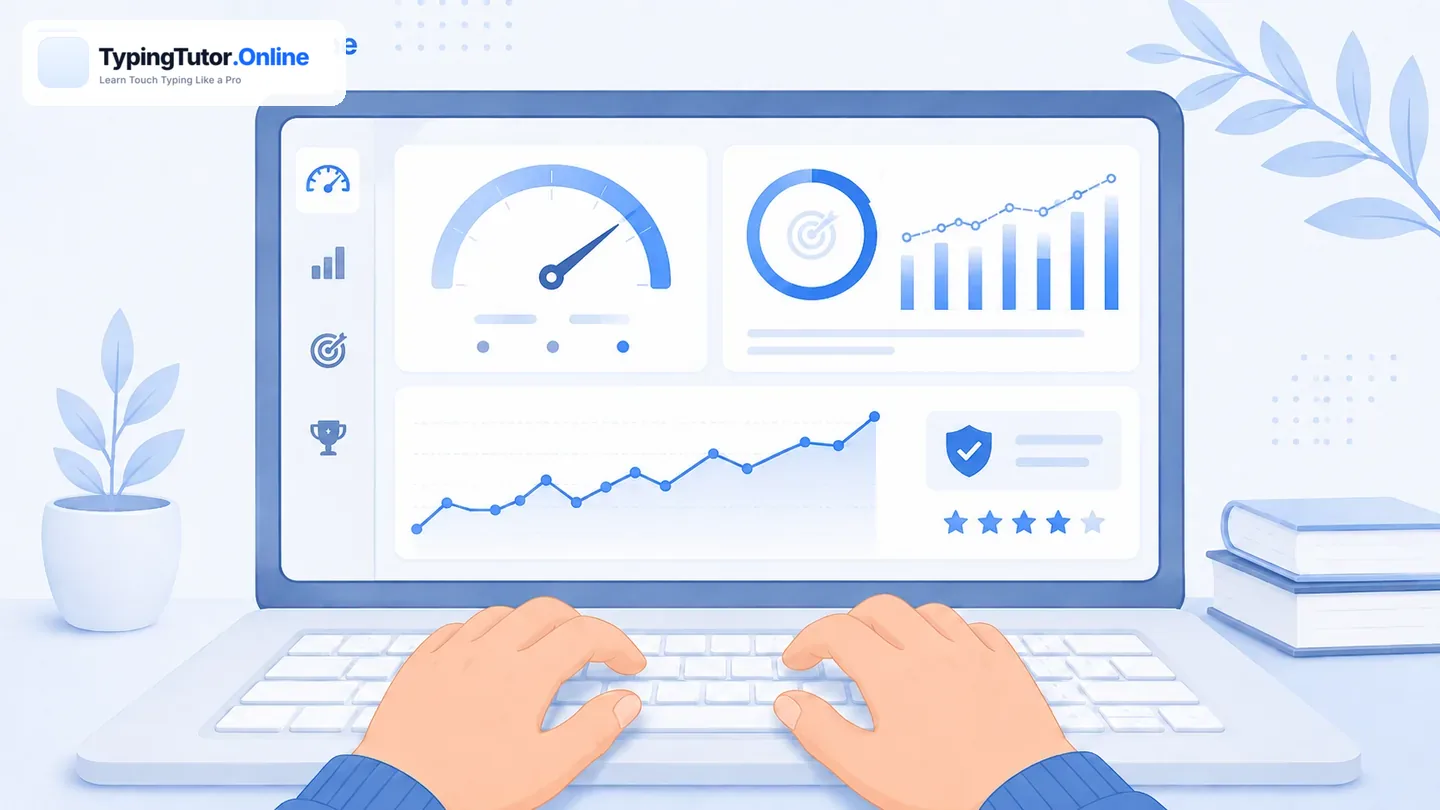
For genuine interactive results, open the typing tutor, practise a few keys, view the Weak-Key Coach in Statistics and try a Speed Improver diagnosis.