

Before you begin
Choose a device and keyboard you can practise on comfortably, and open Typing Speed Improver. This tool is best when you already know the location of most common keys; complete a few beginner lessons first if you are still searching for letters.
Step 1: Complete the diagnosis
The coach begins with a 60-second diagnostic typing passage. Type normally rather than sprinting. The tool looks beyond a single WPM score to evaluate accuracy, burst pace, consistency and problem keys or letter combinations. Treat the diagnostic as a starting point, not a final grade.
Step 2: Read the analysis
Notice which keys, transitions or letter groups cause hesitation and errors. Some results identify a possible speed plateau from recent sessions. A difficult combination is an actionable practice target; it is not a permanent measure of your ability.
Step 3: Follow your targeted workout
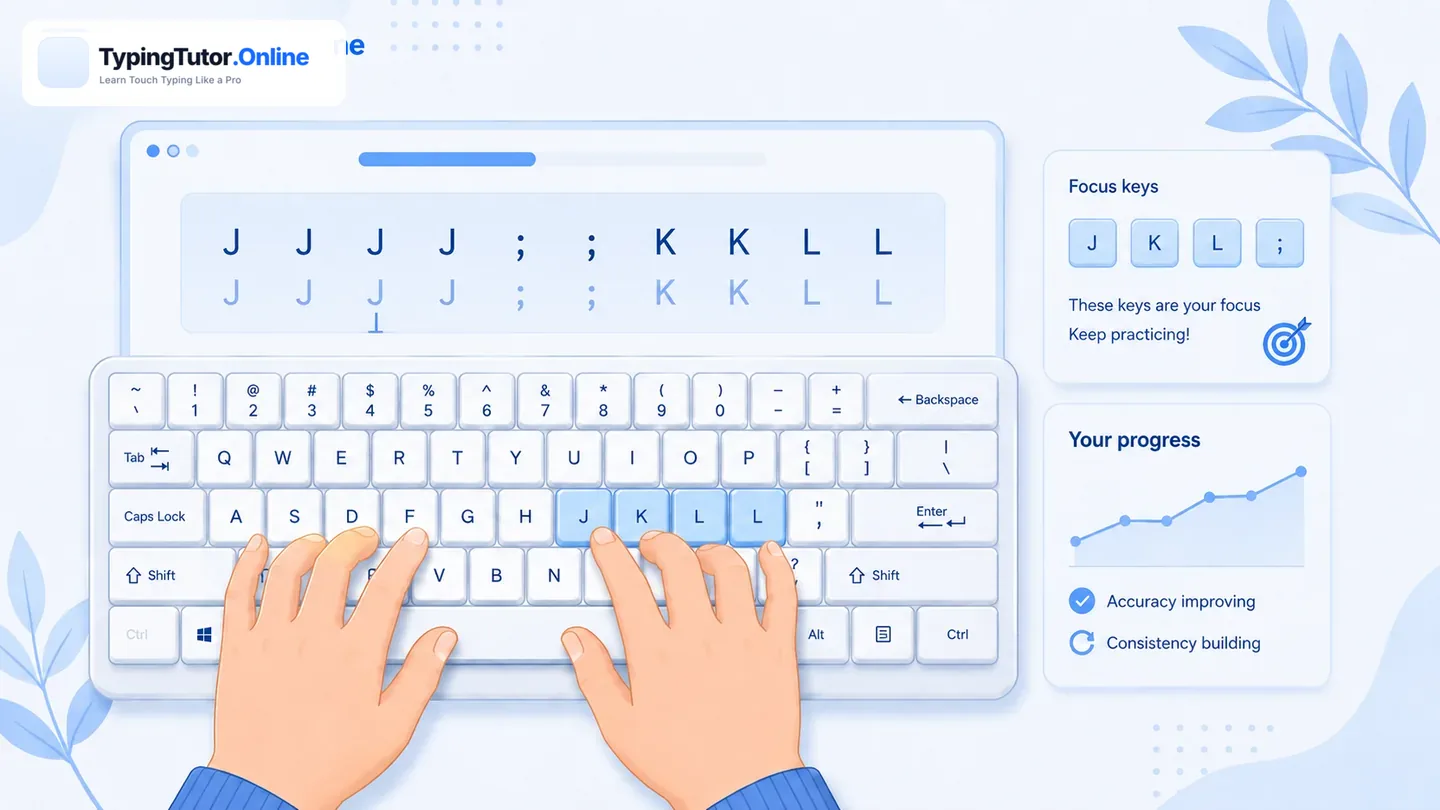
Complete the recommended exercises at the displayed pace. Advanced coaching may include pace changes, transition drills or reading-ahead practice. If you begin making repeated mistakes, slow down. Finish the relevant drill accurately before trying to type it faster. You can practise the same key group in a weak-key guide or return to the appropriate lesson.
Step 4: Retest and compare
Take the retest when the workout finishes, then compare WPM and accuracy with the initial diagnostic. Small improvements still count. If results are worse, review the weak spots and come back after a break. Use several sessions to judge a trend rather than a single run.
Where is my diagnostic history?
Speed Improver maintains detailed progress history locally in the current browser. Clearing browser storage or switching devices may remove that local history. Its summarized measurements are not the same as the main tutor’s account-linked learning statistics.
Combine targeted workouts with daily practice and typing games. The focused coach identifies issues; ordinary writing and games help make new skills comfortable.