

How Long Should Beginners Practice Typing Without Causing Hand Strain?
There is no single medically “safe” typing duration that fits every beginner. A useful learning routine is to start with short, focused sessions, build gradually, and let comfort and technique determine whether to continue. TypingTutor.Online recommends a 15-minute daily practice goal, but that total can be split across the day—it is not a requirement to type continuously for 15 minutes.
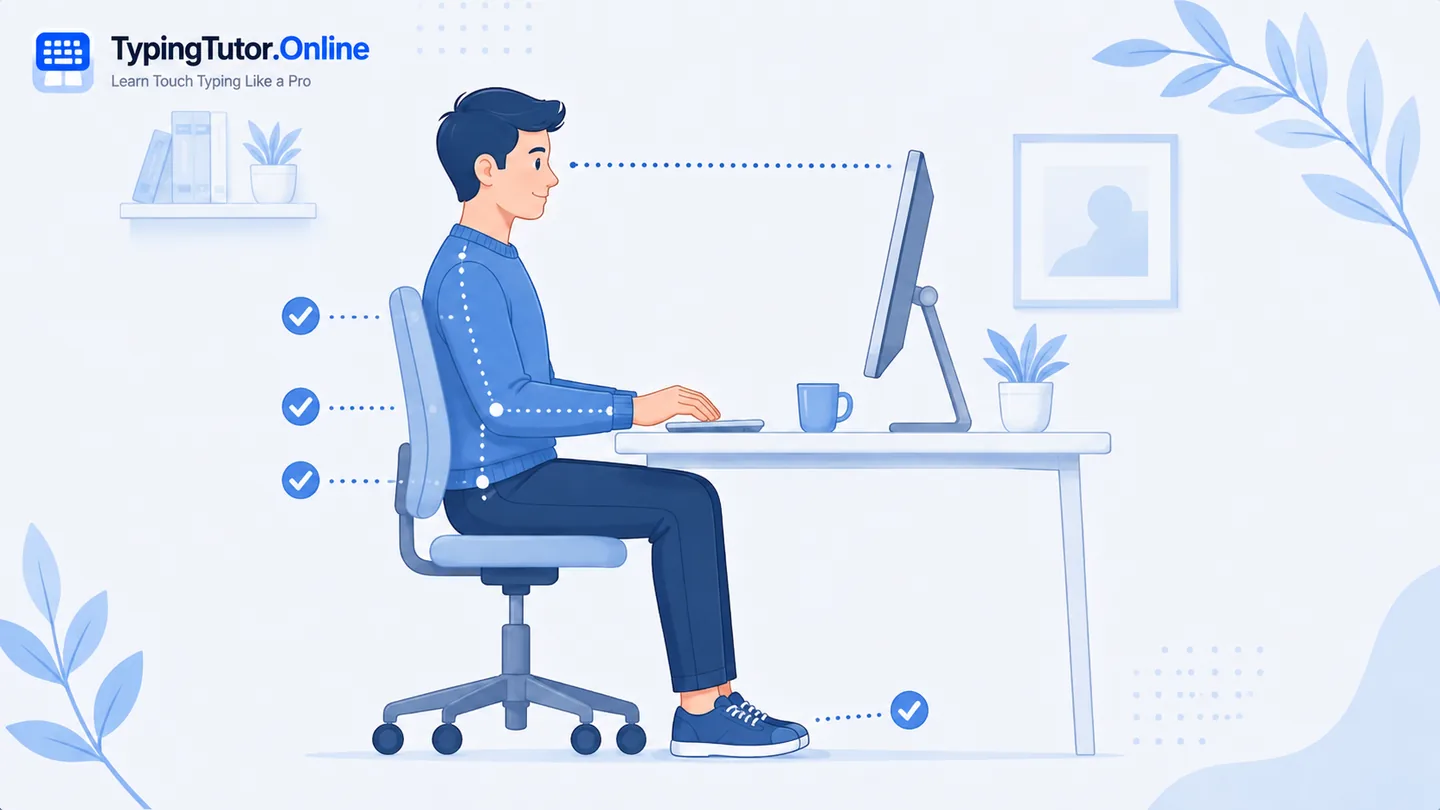
A good typing session ends because the planned skill work is complete—not because you proved you could ignore discomfort. Stop earlier if pain, numbness, tingling, weakness, swelling, cramping, or loss of comfortable control appears.
A practical starting point: 5 to 10 focused minutes
For a new learner, a short block of around five to ten minutes can be enough to practise a small set of keys without turning the lesson into an endurance exercise. This is a learning suggestion, not a medical threshold. Some learners will want less; experienced typists may comfortably do more.
Why shorter practice can improve learning quality
Touch typing depends on accurate repetition. After your shoulders tense, fingers become heavy, or you begin pressing keys harder, the quality of those repetitions can drop. A shorter relaxed session can be more useful than a long session filled with compensation and mistakes.
How to use the 15-minute daily goal
You can divide 15 active minutes into three five-minute sessions, two sessions, or another pattern that fits your day. TypingTutor.Online counts active practice, and paused or idle time should not be treated as productive typing. This makes the daily goal a flexible total rather than a continuous endurance target.
When to increase practice time
Increase gradually when the current session length feels comfortable, the hands stay relaxed, accuracy is stable, and you finish without symptoms that linger afterward. Do not increase simply because the calendar says you have practised for a week.
When to shorten the next session
- You notice hand tension earlier than usual.
- Your key presses become forceful.
- Your wrists start bending or collapsing onto the desk.
- Accuracy falls because the fingers feel tired rather than because the lesson is difficult.
- You develop hand cramps while typing.
- You feel soreness that carries into normal daily tasks.
Breaks should change what your hands are doing
A “break” from a typing lesson is not very useful if you immediately spend the same minutes typing messages on your phone. Give the hands a genuine change of activity. Relax them, stand up, move around, and return only when the movement feels comfortable.
What about finger pain from typing too much?
If your search is “finger pain from typing too much,” the safest response is not to calculate how many more minutes you can tolerate. Stop the repetitive activity and allow the symptoms to settle. Persistent or severe finger pain, joint pain, numbness, tingling, weakness, swelling, or difficulty gripping should be evaluated medically.
Example beginner routine
- Minute 0–1: settle posture and home-row position.
- Minutes 1–5: slow, accurate practice with light key presses.
- Short break: release the hands and change position.
- Optional second block: continue only if the first block felt comfortable.
- End with quality: stop before technique becomes tense.
Practice-time questions
Is 30 minutes of typing practice too much for a beginner?
It may be more than some beginners need in one continuous block. There is no universal safe number, so consider splitting longer totals into shorter sessions and stop if discomfort develops.
Should I practise every day?
Consistent short practice can help skill learning, but painful hands need recovery rather than another scheduled session.
Should I finish a lesson if my hands start hurting?
No. The lesson timer is not more important than symptoms. Stop and reassess; seek medical advice if symptoms are significant or persistent.
Sources and further reading
These references support the general ergonomics and symptom-safety guidance in this article.