

Finger Pain Due to Typing: Causes, Prevention and When to Stop
Finger pain during typing is a common concern for learners who suddenly increase keyboard practice. Repetitive movement, tense fingers, hard key presses, awkward wrist positions, and long sessions can all add stress. But pain is not a required part of learning touch typing, and severe or persistent pain should never be treated as something you simply have to “push through.”
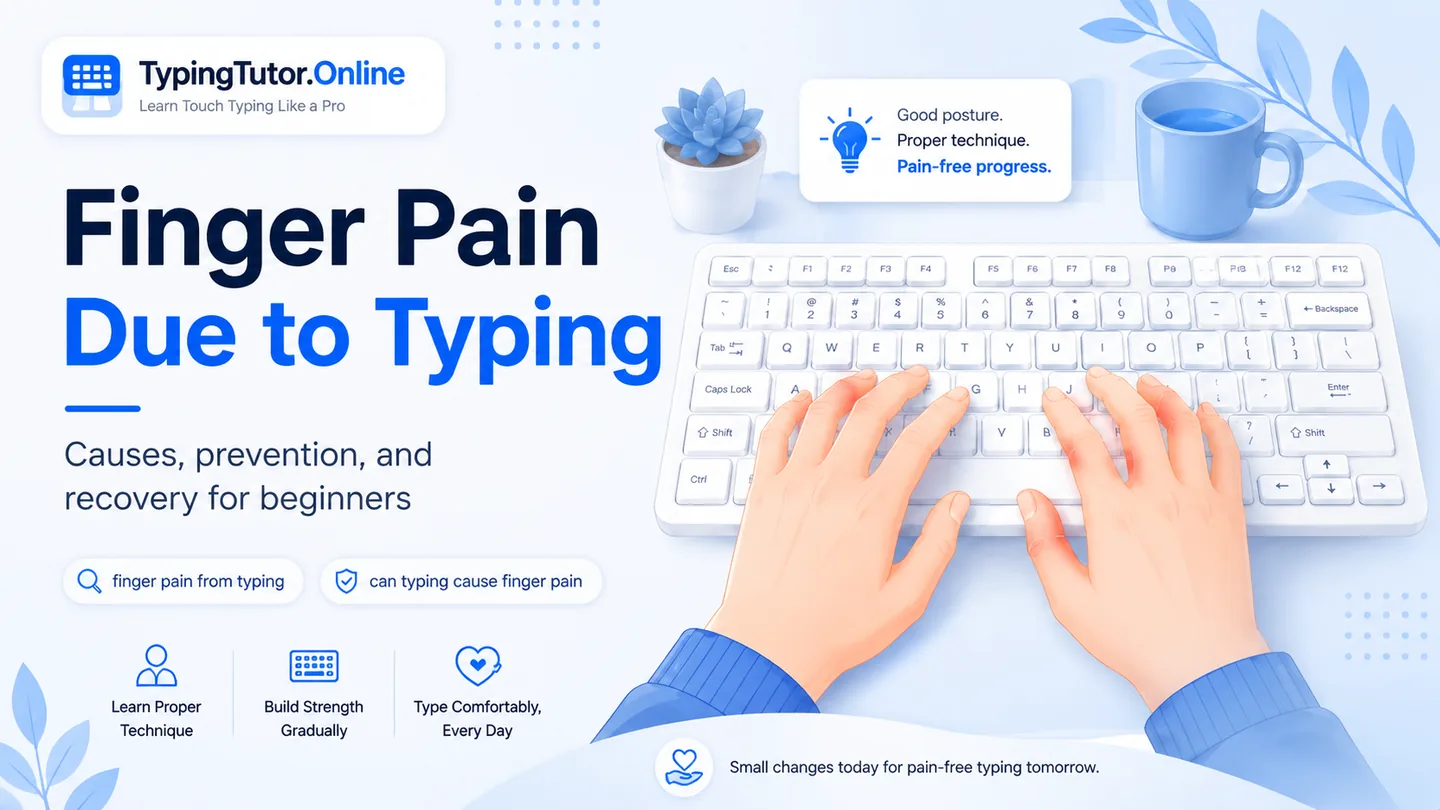
This is an educational typing and ergonomics guide, not a diagnosis. Stop typing and seek medical advice if pain is severe, keeps returning, lasts despite rest, follows an injury, causes swelling, numbness, tingling or weakness, or interferes with gripping and everyday tasks.
Can typing cause finger pain?
Yes, repetitive movements such as typing can be associated with finger pain, but the reason is not always the same. A beginner may be pressing too hard, holding the fingers rigid, stretching a finger farther than necessary, or doing much more repetitive keyboard work than the hands are used to. Finger pain can also come from conditions unrelated to typing, so the timing of symptoms alone does not prove the cause.
Finger pain with typing, including what people sometimes describe as typing thumb pain during phone use, is a symptom description rather than a diagnosis. Pay attention to when it starts, which finger is involved, and whether it settles after you stop.
Why finger pain can appear when you are learning touch typing
Learning touch typing changes how the hands work. Instead of using two or three familiar fingers, you begin asking every finger to move independently and return to a home position. The little fingers and ring fingers often feel especially unfamiliar at first. If you add long practice sessions, tense shoulders, bent wrists, or forceful key presses, the workload can rise quickly.
A useful rule is to treat discomfort as feedback. Technique should become easier and more relaxed with practice. If the hand is getting increasingly painful, the answer is not to force more repetitions.
Finger pain from typing too much
“Finger pain from typing too much” is one of the most natural ways people describe overuse. There is no universal number of minutes that is safe for every learner. A better approach is to build practice gradually, use short blocks, and stop before fatigue turns into pain. TypingTutor.Online’s shorter lesson options can help you organise practice, but the timer should never overrule what your hands are telling you.
Index finger pain while typing
The index fingers cover more keys than some other fingers and are used frequently in ordinary keyboard work. Index finger pain while typing may be aggravated by reaching, striking keys hard, or letting the whole hand drift instead of returning to a relaxed home-row position. Slow down and check whether the wrist stays straight and whether the finger is moving independently rather than pulling the whole hand with it.
Pinky finger pain while typing
Pinky finger pain while typing can appear during learning because the little finger is suddenly responsible for keys it may rarely have used deliberately before. Avoid stretching the pinky rigidly. Move the hand only as much as needed, keep the fingers gently curved, and return to the home row without force.
Fingertip pain or a sore finger from typing
Fingertip pain from typing can happen when keys are struck harder than necessary. Modern keyboards usually need much less force than beginners expect. Think “light touch” rather than “press.” If a fingertip is sore from typing, reduce force and give the irritated area time to settle instead of repeatedly testing whether it still hurts.
Pain in finger joints due to typing
Finger joint pain while typing deserves more caution than ordinary fatigue because joint pain has many possible causes. Do not assume it is simply “typing muscle pain.” If joint pain is persistent, swollen, stiff, or affects normal hand use, pause keyboard practice and speak with a healthcare professional.
A personal note from the TypingTutor.Online creator
During my own touch-typing learning period, I experienced much more hand and finger pain than I expected. At its worst, using my hands for ordinary tasks such as holding food became difficult, and I stopped practice for a period before returning. After I eventually became comfortable with touch typing, that same problem did not recur for me.
That experience is one reason TypingTutor.Online emphasizes relaxed hands, short practice options, inactivity protection, accuracy before speed, and the freedom to stop. It is not evidence that severe pain is normal or harmless. If pain affects your ability to grip, eat, work, sleep, or use the hand normally, treat that as a reason to stop and get medical advice.
How to reduce finger strain while typing
- Keep wrists straight rather than bent up, down, or sideways.
- Relax the shoulders and keep elbows comfortably near the body.
- Use a light key touch; do not pound the keyboard.
- Keep fingers gently curved and return them to a comfortable home position.
- Build practice time gradually instead of suddenly doing long sessions.
- Take a break when tension or discomfort starts, not only when the timer ends.
- Use accuracy as the first goal. Speed should develop after the movement feels controlled.
When should you stop typing?
Stop the practice session if pain is increasing rather than settling, if a finger feels weak or numb, if you have pins and needles, if gripping becomes difficult, or if the symptoms continue after you stop. Those signs are not useful training feedback and should not be “trained through.”
Finger pain and typing: common questions
What if one finger hurts while typing?
If a finger hurts while typing, stop the repetitive activity and let it settle. A finger sore from typing should not be repeatedly tested with more typing; persistent or severe pain needs medical advice.
Why do my fingers hurt while typing?
Possible reasons include repetitive use, hard key presses, tense technique, awkward wrist posture, or a hand problem that is not caused by typing. If the pain is significant or persistent, stop and get medical advice rather than self-diagnosing.
Can typing cause finger pain?
Repetitive typing can contribute to finger pain in some people, but finger pain has many causes. The symptom pattern and severity matter.
Why does my index finger hurt while typing?
The index finger covers many keys and may be overloaded by reaching, forceful typing, or poor hand position. Persistent pain should be assessed rather than assumed to be normal training soreness.
Why does my pinky finger hurt while typing?
The little finger may be unfamiliar with deliberate key work during touch-typing lessons. Keep it relaxed, avoid forceful stretching, and reduce practice if soreness develops.
Sources and further reading
These references support the general ergonomics and symptom-safety guidance in this article.