

Typing Tutor Online Free for Kids: Lessons, Tests and Games
Kids learn typing best when practice is short, understandable and rewarding. A child-friendly typing path should teach correct fingers while keeping the activities simple enough to repeat.
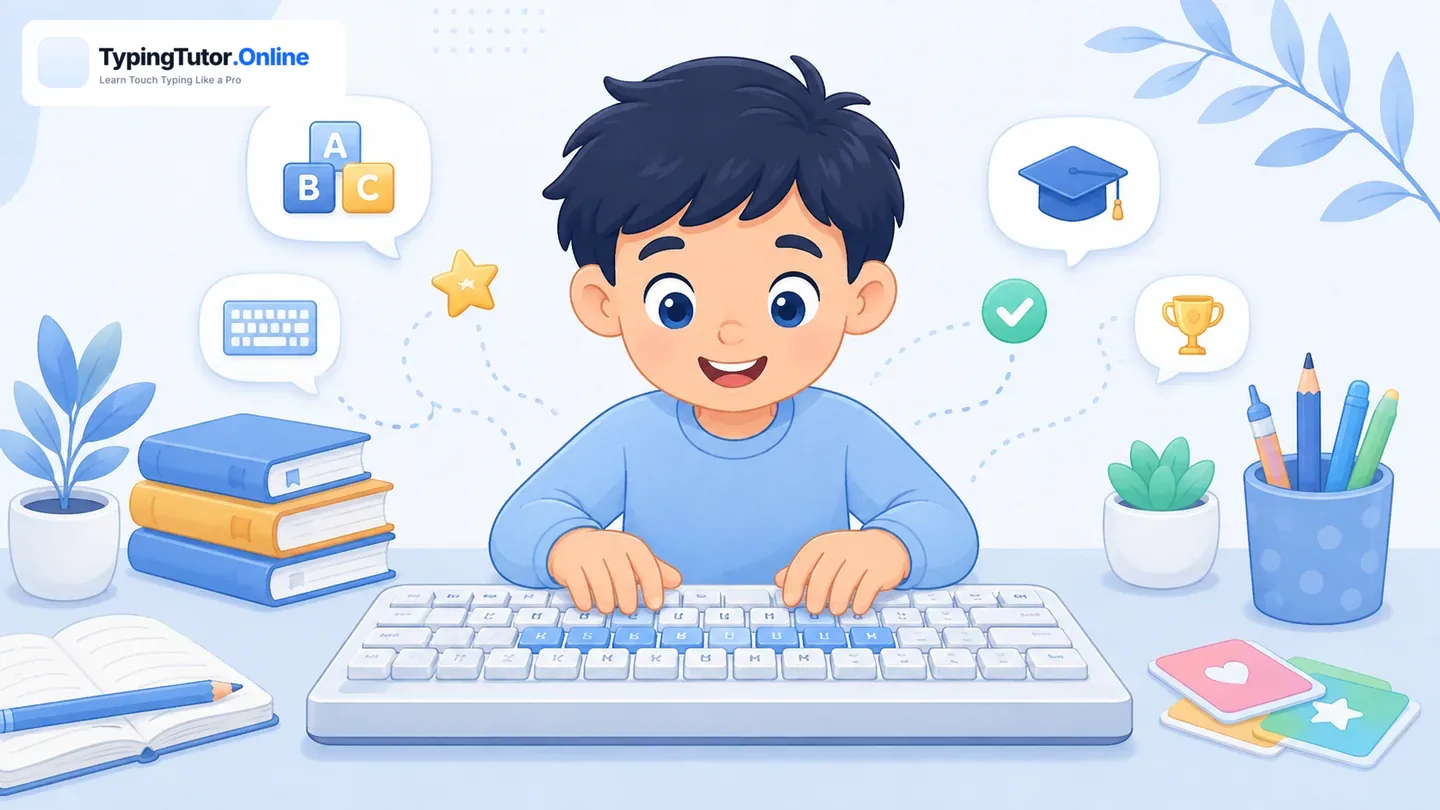
What should a kids typing tutor include?
A useful kids typing tutor should not begin with a long wall of text. It should introduce a small number of keys, show the correct fingers, provide immediate feedback, and offer short tests or games that make repetition less tiring.
Free typing practice for kids
TypingTutor.Online includes a dedicated kids area with lessons, tests, games and certificates. Children can practise at their own pace without needing to create an account for the basic learning flow.
Open Kids Typing Play kids typing games
Accuracy is more important than racing
Fast typing games can be motivating, but early learners should first build correct finger habits. Encourage children to type carefully, return fingers to the home row, and look at the screen rather than searching for every key.
How long should kids practise?
Short sessions are usually easier to sustain. A few focused minutes, followed by a game or test, can be more useful than forcing a long session after concentration has dropped.
Certificates as encouragement
Stage-based certificates can give children visible goals without making one final score the only reward. The best use of a certificate is to recognise a real learning milestone and encourage the next stage.
What parents and teachers should watch
Look for relaxed posture, correct finger use, and a reasonable accuracy level rather than only a high score. If a child begins guessing quickly or repeatedly looks down at the keyboard, reduce the difficulty and return to a smaller key set.
Make practice feel achievable
Young learners respond well to clear endings. A short lesson, one small test, or a single game round gives the session a visible goal. Stopping after a successful short session can be better than extending practice until the child is tired and making more errors.
Use games after technique
Games can make repetition enjoyable, but use them after the learner understands the target fingers. This keeps the game from becoming a hunt-and-peck exercise and turns it into reinforcement of real touch-typing technique.
Searches such as typing for toddlers or typing for beginners kids usually need a different answer from formal speed training. Very young children do not need WPM targets. Keep keyboard activities short, playful, and focused on recognizing keys. The structured Kids Typing section is better for children who can follow short written instructions and practise deliberately.