

Typing and AI: Does Touch Typing Still Matter When AI Can Write?
AI can generate a paragraph in seconds, so it is reasonable to ask whether learning to type is becoming unnecessary. The answer depends on what “typing” means. If typing only meant producing a first draft, AI would remove a large part of the task. In real work, however, people also instruct systems, revise text, enter facts, search, navigate, correct errors, compare options, and communicate decisions. Those activities still involve frequent text input.
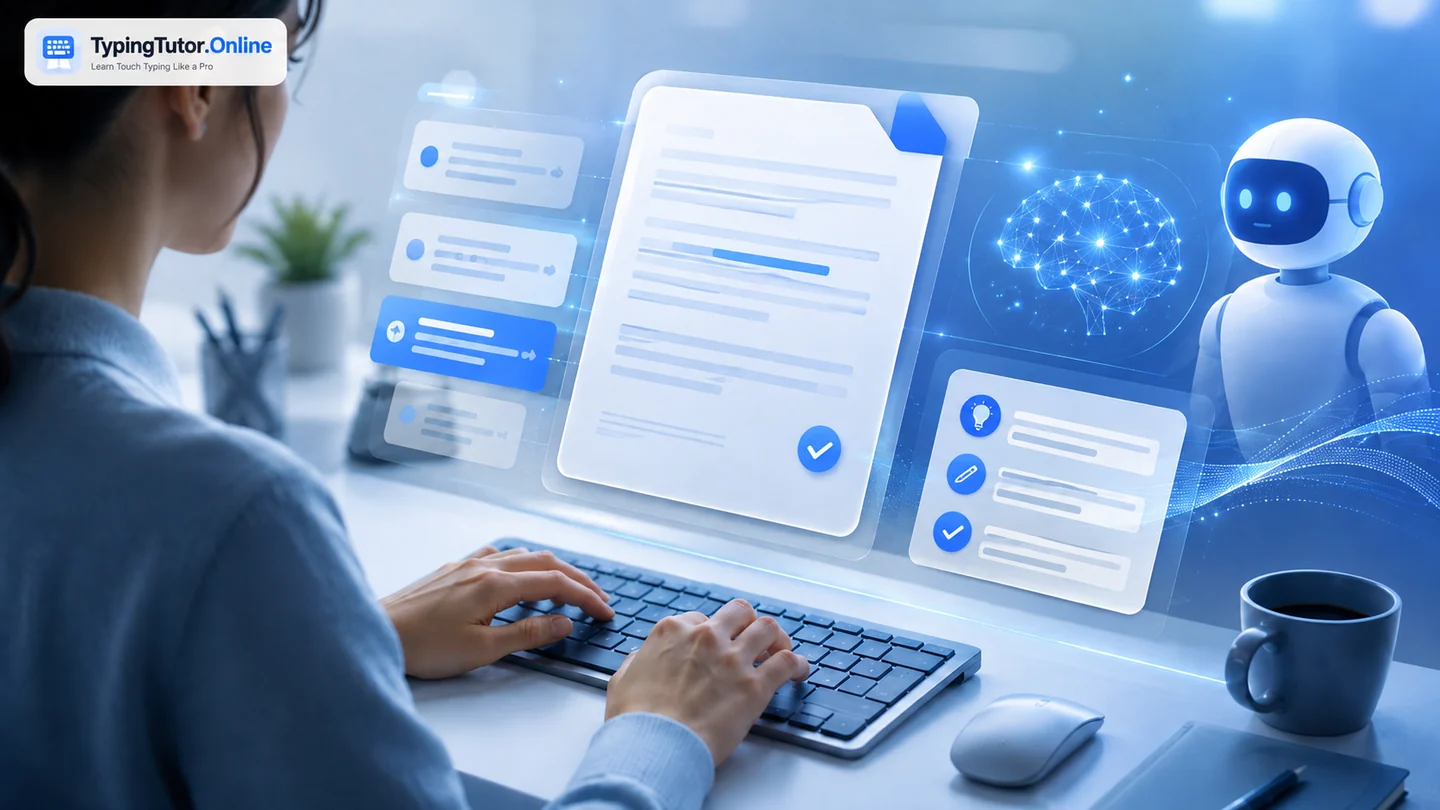
AI reduces some typing, not all keyboard work
Generative tools can create drafts, summaries, outlines, translations, and alternative wording. Speech recognition can also turn spoken language into text. These tools can save keystrokes when the goal is to produce a large amount of predictable text.
But saving keystrokes is not the same as removing keyboard interaction. The user often types the request, adds constraints, pastes context, corrects names and numbers, chooses between versions, edits tone, and prepares the final output for the place where it will be used.
The value shifts from production to control
In an AI-assisted workflow, keyboard fluency can support control. A confident typist can quickly revise a sentence, search within a document, change a prompt, add missing context, correct a factual detail, or move between tools without the keyboard becoming the slowest part of the process.
This is similar to calculators and arithmetic. Calculators changed which calculations people perform manually, but understanding numbers still matters when deciding what to calculate and whether the result makes sense.
Where AI may reduce the need for high typing speed
- Long first drafts where dictation or generation is acceptable.
- Standardized replies that can be generated from templates.
- Transcription where speech recognition produces a strong first pass.
- Repetitive form text that software can auto-fill safely.
In these cases, extreme typing speed may matter less than it once did. Accuracy, editing, and domain judgment may become more important.
Where direct typing still has advantages
- Quiet or shared environments where speaking is disruptive.
- Private information that should not be dictated aloud.
- Precise edits to names, numbers, formulas, code, commands, and punctuation.
- Fast search, navigation, shortcuts, and small corrections.
- Situations where network or AI services are unavailable or inappropriate.
- Writing where the person wants direct control over each sentence.
AI literacy and typing can reinforce each other
A useful future skill set is not “typing versus AI.” It is the ability to combine them. The user can type a precise instruction, let AI accelerate a draft, then use keyboard fluency and judgment to shape the result. The faster the interaction loop becomes, the more important clear thinking and verification become.
This is why learners should not chase WPM at the expense of comprehension. The goal is to communicate intent accurately—whether the recipient is another person or an AI system.
What students should learn now
- Basic touch typing so the keyboard does not constantly pull attention away from the screen.
- Accurate editing and navigation.
- How to write clear instructions and questions.
- How to check claims, calculations, names, and sources instead of assuming generated text is correct.
- When not to paste confidential or sensitive information into an external tool.
- How to complete important work without AI when required.
The practical conclusion
AI makes some forms of manual text production less important, but it does not make keyboard competence obsolete. For people who study or work on computers, touch typing remains a low-level skill that can support faster interaction with both traditional software and AI tools.
You do not need to become an exceptionally fast competitive typist. You need enough accuracy and automatic key knowledge that entering and editing information does not interrupt the higher-level task you are trying to complete.
Treat typing as a supporting digital skill. Build enough speed and accuracy that the keyboard stops competing with the higher-level task you are trying to complete.
Quick questions
Do I need a very high WPM to benefit from touch typing?
No. Reliable key knowledge and good accuracy can be useful even at moderate speed. Your target should match the work you actually do.
Should I practise only with typing tests?
No. Tests measure performance. Lessons teach technique, practice builds repetition, and games can add variety. Use tests periodically rather than as the entire learning method.
Can I learn touch typing for free?
Yes. TypingTutor.Online provides free lessons, practice, tests, games, guides, and locally stored progress without requiring an account for core learning.