

Should You Learn Touch Typing? A Practical Decision Guide Before You Start
Before starting a touch-typing course, it is worth asking a simple question: will this skill meaningfully improve the way you study, work, create, or communicate? Touch typing can be highly useful, but it is not a magic productivity trick and it is not equally urgent for everyone. This guide helps you decide what you need, what improvement can realistically look like, and how to begin without turning typing into an unnecessary obsession with speed.
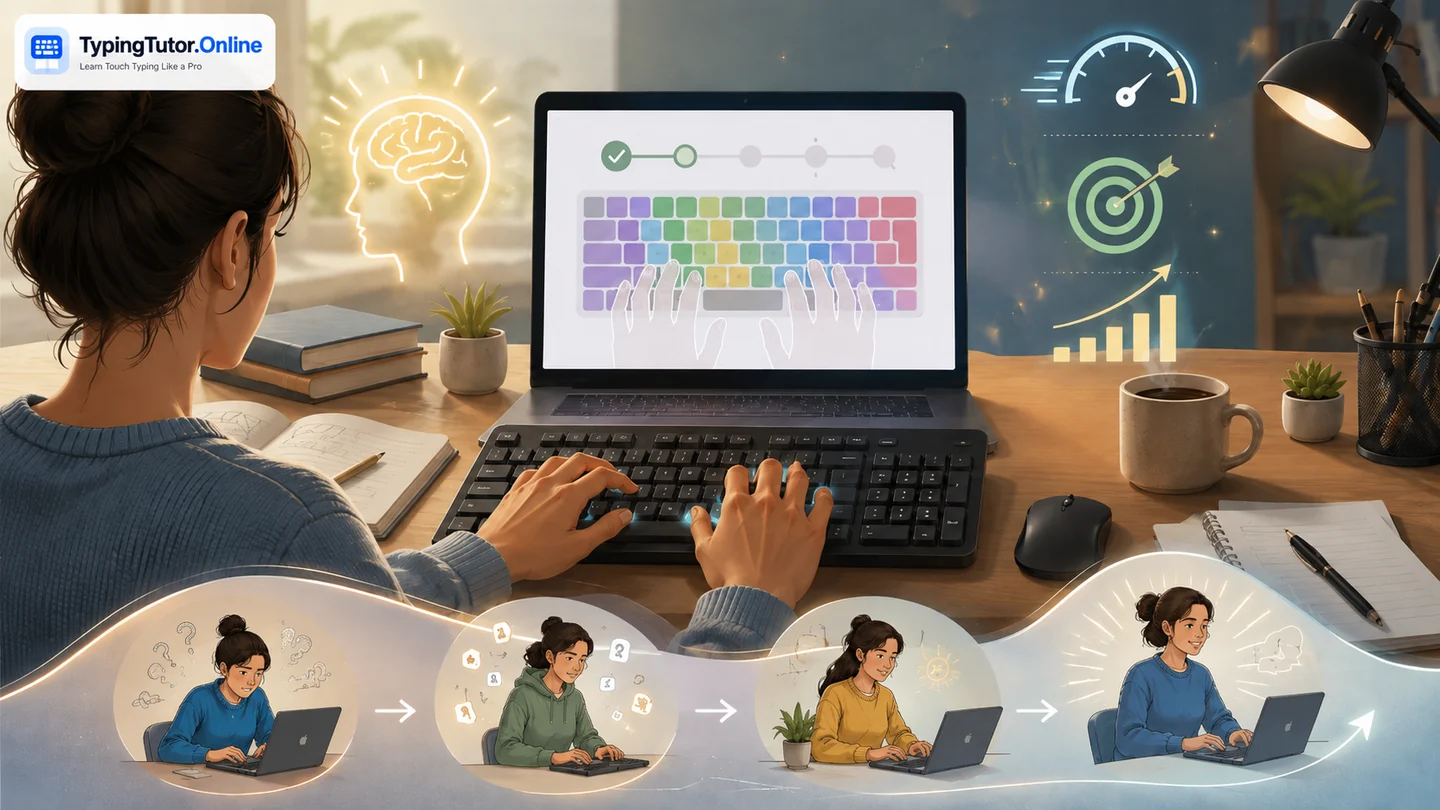
First: what touch typing actually is
Touch typing is the ability to use a keyboard through learned finger-to-key patterns instead of visually searching for each key. In a standard method, the fingers begin around the home row and each finger is responsible for a predictable group of keys. With practice, the movements become familiar enough that the eyes can remain mostly on the screen.
Touch typing is not the same as typing fast. Speed may improve, but the foundational goals are key awareness, accuracy, rhythm, and reduced dependence on looking down.
Why people decide to learn it
- They write assignments or reports and want the keyboard to interrupt their thinking less.
- They work in an office and spend much of the day in email, documents, spreadsheets, chat, or business systems.
- They are preparing for a recruitment or government typing test.
- They want to code, write, research, or freelance.
- They can already type, but their technique is inconsistent and tiring.
- They want to use the full keyboard—including numbers and punctuation—without searching.
When learning touch typing is likely to pay off
The strongest case is frequent computer use. If you type every day, even small reductions in hesitation can accumulate across years of study and work. The benefit is especially noticeable when you must read from one place and enter information in another, because looking down at the keyboard can make you lose your position.
Another strong reason is cognitive flow. Writers, students, support workers, and programmers often need to keep a thought active while entering it. Automatic key knowledge reduces one source of interruption.
When it may not deserve much of your time
If you use a physical keyboard only occasionally, spend most of your day on a phone or specialized device, or already type comfortably enough for your needs, a full course may provide limited return. You can still learn basic home-row orientation and common keys without pursuing a high-speed goal.
The same is true when another digital skill is more urgent. Someone struggling with spreadsheets, email basics, or file management may gain more immediate value from those skills first and improve typing alongside them.
How fast do you actually need to type?
There is no universal target. Useful speed depends on the task. A person entering sensitive records may prioritize accuracy. A writer may value comfortable long-session flow. A recruitment test may define an explicit WPM requirement. A programmer may type less prose but use more symbols and navigation.
Instead of choosing a target because it sounds impressive, measure your current performance and decide what would make your real tasks noticeably easier.
What you gain besides WPM
- Screen focus: less need to move your eyes between text and keyboard.
- Predictability: each key has a familiar movement rather than a search.
- Editing flow: corrections and revisions can become quicker.
- Full-keyboard confidence: numbers, capitals, punctuation, and symbols can be added systematically.
- Measurable progress: tests can show accuracy, speed, consistency, and weak areas.
What touch typing will not do for you
It will not make weak writing clear, guarantee a job, replace subject knowledge, or automatically make computer work healthy. It will not turn every person into a 100-WPM typist, and it does not need to. It is an interface skill: useful because it helps you express and manipulate information more easily.
It also does not remove the need for breaks and a comfortable setup. If practice causes pain, numbness, tingling, weakness, or persistent discomfort, stop and address the issue rather than forcing more repetitions.
Does AI make learning touch typing unnecessary?
AI can produce and transform text, and voice input can reduce manual typing. But people still need to direct tools, search, edit, enter precise information, correct errors, and communicate. For frequent computer users, touch typing remains useful because it makes those interactions less mechanical.
The sensible goal in an AI-rich future is not maximum typing volume. It is reliable keyboard control combined with judgment, editing, and the ability to use automation appropriately.
How long should you practise?
Beginners usually benefit more from short, regular practice than from long sessions that damage concentration. Ten to fifteen focused minutes can be enough for a daily lesson or drill. As technique becomes comfortable, longer paragraph and test sessions can be added when endurance matters.
Quality matters more than clock time. If accuracy collapses or your hands become tense, continuing for another twenty minutes is unlikely to teach the movement you want.
A simple beginner path
- Learn F, J, and Spacebar as anchor points.
- Add the home-row letters with the assigned fingers.
- Introduce the top and bottom rows gradually.
- Keep eyes on the screen and use keyboard guidance only as a learning aid.
- Prioritize accuracy before increasing speed.
- Add capitals, punctuation, numbers, and symbols.
- Move from isolated drills to words, sentences, and paragraphs.
- Take regular tests to measure progress.
- Use weak-key practice for repeated errors.
- Apply the skill to real writing so it becomes useful outside the tutor.
Which learning method should you choose?
A structured course is best when you do not know correct finger placement. Free practice is useful once you know the keys but need repetition. Typing games add motivation and controlled pressure. Tests measure performance but do not teach technique by themselves. A good learning plan uses all four for different purposes.
If you are already an experienced hunt-and-peck typist, expect a temporary slowdown when changing technique. That does not necessarily mean the new method is failing; you are replacing familiar habits with a different movement map.
Use your personal profile to decide
Learn it seriously: you type daily for study, office work, writing, coding, customer service, administration, or data-heavy work.
Learn it gradually: you use computers regularly but typing is not central to your work.
Learn the basics only: you use a physical keyboard occasionally and mainly want to avoid searching for common keys.
Delay it: another digital skill would solve a more urgent problem for you right now.
Final decision: is touch typing worth it?
For frequent keyboard users, usually yes. It is a durable skill that can reduce friction across school, work, communication, and creative tasks. For occasional users, a smaller level of keyboard competence may be enough.
The best reason to learn is not to earn a particular WPM badge. Learn because you want the keyboard to become a quiet tool in the background while your attention stays on the work that actually matters.
Treat typing as a supporting digital skill. Build enough speed and accuracy that the keyboard stops competing with the higher-level task you are trying to complete.
Quick questions
Do I need a very high WPM to benefit from touch typing?
No. Reliable key knowledge and good accuracy can be useful even at moderate speed. Your target should match the work you actually do.
Should I practise only with typing tests?
No. Tests measure performance. Lessons teach technique, practice builds repetition, and games can add variety. Use tests periodically rather than as the entire learning method.
Can I learn touch typing for free?
Yes. TypingTutor.Online provides free lessons, practice, tests, games, guides, and locally stored progress without requiring an account for core learning.