

The Future of Adaptive Touch Typing: How Practice Can Become More Personal
Traditional typing courses usually teach everyone in the same sequence. Adaptive learning points toward a more personal model: the tutor watches how you perform, identifies what is slowing you down, and changes the next practice task accordingly. The aim is not to make learning mysterious or automatic. It is to spend more practice time on the movements that actually need work.
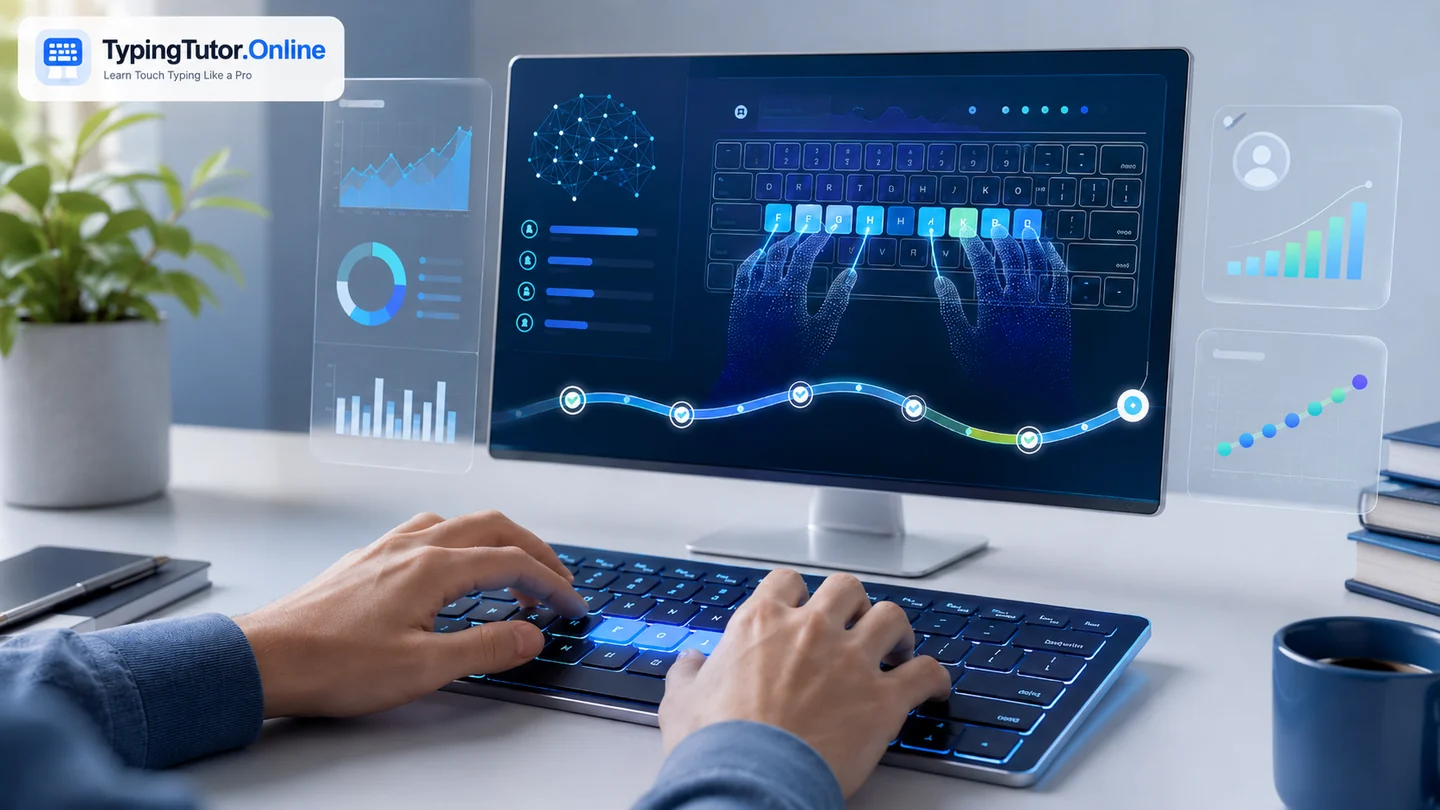
What adaptive learning means in touch typing
An adaptive typing tutor does more than record a final WPM score. It can use patterns such as repeated errors, hesitation before particular keys, accuracy by finger, performance on capitals and symbols, practice duration, and recent progress to decide what should come next.
For example, two learners may both type 35 WPM, but one may struggle with the left little finger while the other loses accuracy on punctuation. Giving both learners the same drill is convenient, but it is not necessarily efficient. Adaptive practice can keep the common curriculum while changing the emphasis for each person.
The useful data is already inside ordinary practice
A typing session creates many small signals: which characters were missed, how often Backspace was needed, where rhythm slowed, whether accuracy fell near the end, and whether the learner performs better on words or connected paragraphs. The important design choice is to turn those signals into understandable recommendations instead of overwhelming the learner with charts.
A good system might say, “Your speed is steady, but R, T and the left Shift key caused most of today’s errors. Practise them for two minutes before your next paragraph.” That is more actionable than simply showing a lower accuracy percentage.
How future adaptive lessons may change
- Weak-key routing: repeated errors can automatically create short drills using the troublesome keys in realistic combinations.
- Dynamic difficulty: word length, punctuation, speed pressure, and passage complexity can increase only when accuracy is stable.
- Finger-specific review: the system can notice when one finger is underused or when a learner repeatedly reaches with the wrong hand.
- Context matching: a student may receive academic sentences, an office worker may practise email and spreadsheet language, and a programmer may receive more symbols and code-like patterns.
- Recovery sessions: after a weak or interrupted practice day, the tutor can return to a shorter confidence-building exercise instead of assuming uninterrupted progress.
Adaptive does not mean constantly changing everything
Touch typing still depends on stable foundations. Home-row anchors, consistent finger zones, relaxed posture, accuracy, and repeated exposure remain important. If an adaptive system changes key assignments, rules, or goals too frequently, it can make learning less predictable.
The strongest model is likely to combine a clear course structure with adaptive practice between lessons. The curriculum tells the learner what skill is being built; the adaptive layer decides which part deserves extra repetition.
Where AI can help—and where it should not take over
AI can help classify mistakes, generate appropriate practice text, summarize progress, and recommend the next exercise. It can also make explanations easier to understand by presenting the same concept in different ways. But the learner still has to perform the physical skill. No model can develop your keyboard memory without your own repeated keystrokes.
Privacy also matters. A typing tutor does not need to send everything a person types to a remote service just to provide useful adaptation. Performance statistics can often be calculated locally, and custom text should be treated carefully because people may paste private work or personal writing.
What a learner should expect from a good adaptive tutor
- Clear reasons for why a drill was recommended.
- Control over difficulty, sound, guidance, and practice length.
- Visible progress on weak keys rather than an unexplained “AI score.”
- A way to return to the normal course at any time.
- Useful local statistics without requiring an account for basic learning.
- Recommendations that value accuracy and comfort, not only raw speed.
The likely future: a personal practice coach, not an automatic typist
The most useful future for adaptive touch typing is not software that types on your behalf. It is software that notices where your own technique can improve and gives you the right amount of practice at the right moment.
That model can make structured learning less repetitive for experienced learners and less frustrating for beginners. The destination remains the same: confident, accurate keyboard control that stays useful even when the software around the keyboard changes.
Treat typing as a supporting digital skill. Build enough speed and accuracy that the keyboard stops competing with the higher-level task you are trying to complete.
Quick questions
Do I need a very high WPM to benefit from touch typing?
No. Reliable key knowledge and good accuracy can be useful even at moderate speed. Your target should match the work you actually do.
Should I practise only with typing tests?
No. Tests measure performance. Lessons teach technique, practice builds repetition, and games can add variety. Use tests periodically rather than as the entire learning method.
Can I learn touch typing for free?
Yes. TypingTutor.Online provides free lessons, practice, tests, games, guides, and locally stored progress without requiring an account for core learning.