

Touch Typing Course Online: How to Learn Step by Step
A good touch typing course online should do more than display random words and a timer. It should teach a repeatable keyboard method in a logical order, give the learner enough practice to make each movement familiar, and show whether accuracy and speed are improving. The advantage of learning online is that lessons, practice, tests, and progress can be available immediately in the browser.
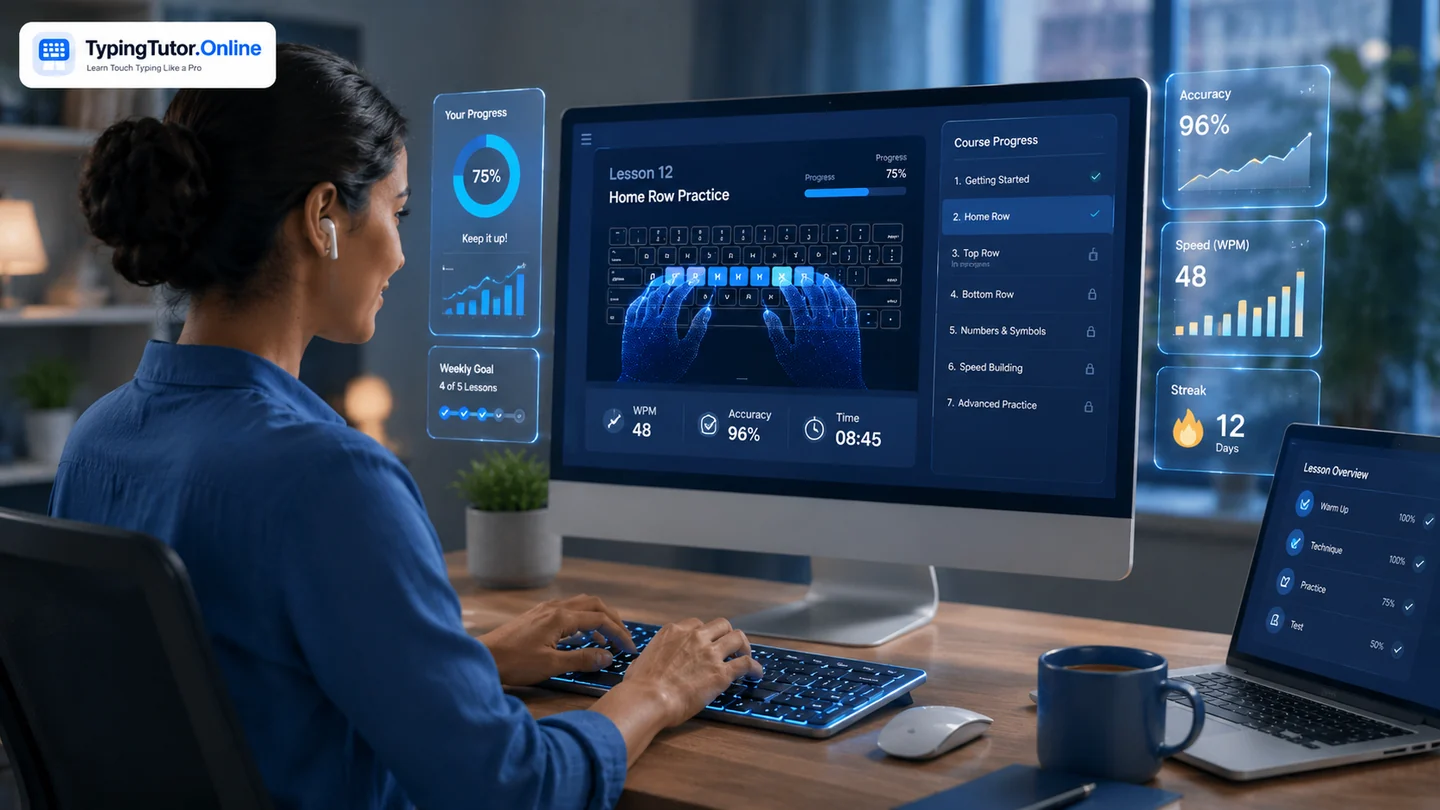
What should an online touch typing course teach first?
The first goal is orientation. Learners need to know where the hands start and why F and J matter. From there, a course should introduce a small number of keys at a time rather than asking a beginner to type the whole alphabet immediately.
A sensible sequence is home row, top row, bottom row, capitals and Shift, punctuation, numbers, and commonly used symbols. Real words and sentences should appear as soon as the learner has enough keys to type them.
Lessons, practice, tests, and games have different jobs
Lessons teach technique. Practice creates repetition. Typing tests measure current performance. Games add variety and controlled pressure. A complete course combines them rather than treating a speed test as the entire learning experience.
On TypingTutor.Online, the course overview provides the structured path, while typing practice, typing tests, and typing games support different parts of the same skill.
How often should you take an online lesson?
Consistency matters more than a long session. Ten to fifteen focused minutes can be enough for many beginners on a normal day. If accuracy starts falling or the hands become tense, more minutes are not necessarily better practice. A learner can stop, return later, and continue from the next stage.
Why finger guidance matters online
Without an instructor sitting beside you, an online course must make technique visible. A tutor keyboard, finger chart, highlighted keys, and clear home-row guidance can show which finger should move. The visual aid should support learning without becoming something the learner watches permanently.
Use the interactive finger-placement guide whenever a key feels uncertain, then return your attention to the typing text.
How should progress be measured?
Useful measurements include WPM, accuracy, errors, completed lessons, weak keys, and consistency over time. One very fast attempt with many errors is less informative than repeated clean results. Use a familiar test duration and compare your own results rather than chasing another person's number.
Can an online course work for everyone and complete beginners?
Yes. The mechanics of the keyboard are the same, but the learner's goals may differ. A student may want assignments to feel easier, an office worker may want better document and email flow, and a job applicant may have a specific typing-test requirement. Learners who already type with two or three fingers may temporarily slow down while rebuilding technique; that is a normal part of changing an established habit.
What to do after the basic course
Finishing the key sequence is not the end of learning. Move into paragraph practice, real writing, punctuation, numbers, and the kinds of text you actually use. If a test repeatedly exposes the same weak letters or symbols, target those rather than repeating only easy material.
For learners who want evidence of progress, TypingTutor.Online also provides a certificate typing test and a certificate centre for qualifying results.
An online touch typing course is most useful when every stage has a purpose: learn the movement, practise it, apply it in real text, then measure the result.
Quick questions
Do I need to install software for an online course?
Not necessarily. A browser-based course can provide lessons, practice, tests, and games without a traditional desktop installation.
Can I skip lessons if I already type?
You can assess your current ability with a typing test, but it is still worth checking finger placement and weak keys before jumping ahead.
What is a realistic first goal?
Aim first for accurate typing with fewer keyboard glances. WPM can increase gradually after the movement pattern becomes reliable.