

Touch Typing Course for Kids: A Parent-Friendly Learning Guide
A touch typing course for kids works best when it feels achievable, visual, and encouraging. Children need the same core finger technique as learners, but they usually benefit from shorter practice, simpler language, more immediate feedback, and activities that turn repetition into a game rather than a long drill.
What age should a child start touch typing?
There is no single correct age. A child is more likely to benefit once they use a physical keyboard regularly, can follow simple instructions, and have hands large enough to reach common keys without obvious strain. For some children that may be during primary school; for others it may make more sense later.
The purpose should be practical: helping the child use school and digital tools with less key hunting, not forcing an typing-speed target.
How should a kids course begin?
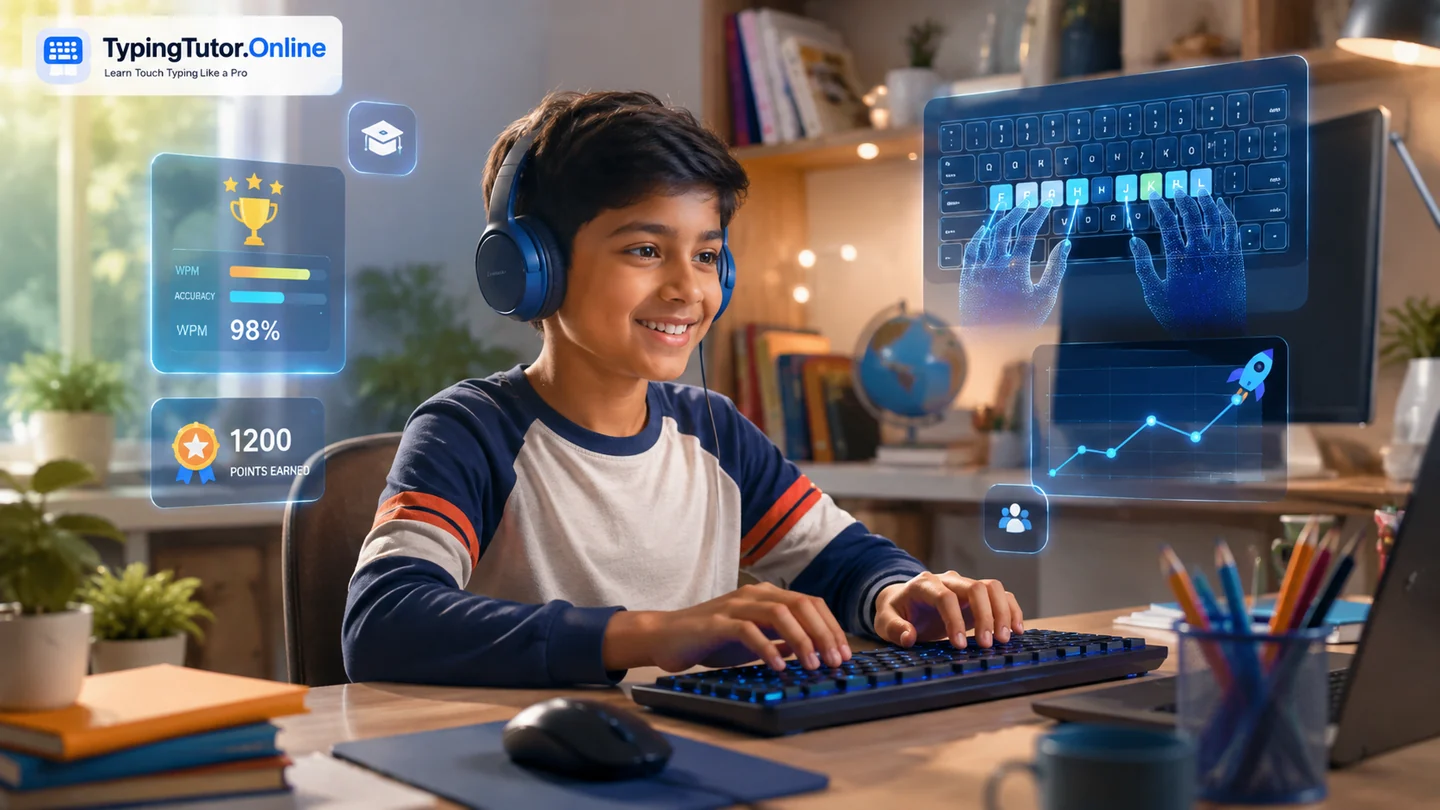
Start with orientation and a small number of keys. F and J provide tactile anchors, followed by the home-row keys. A visual keyboard and hand guide can make the finger pattern understandable. Once the child presses the new keys correctly, the guide can move out of the way and let real typing begin.
TypingTutor.Online has a dedicated Kids section with lessons, practice, tests, games, and age-friendlier activities.
Keep practice short enough to stay positive
For younger learners, several focused minutes can be more productive than a long session. Stop before concentration disappears. If the child becomes frustrated, starts pressing random keys, or complains of hand discomfort, it is better to pause than to turn the exercise into a battle.
A regular routine—such as a short lesson on several days each week—can build familiarity without making typing feel like punishment.
Accuracy before speed
Children often enjoy a visible WPM score, but speed should not become the first objective. Encourage correct fingers, light key presses, and looking toward the screen. A slower accurate result is a better learning signal than a fast attempt full of corrections.
Why games can help
Typing games give repetition a purpose: move a runner, pop a target, race another car, or respond to falling letters. The game should still reward correct typing rather than frantic guessing. After a lesson, a short game can make practice feel different while reinforcing the same keyboard knowledge.
Use the Kids games or the broader Games section as a supplement, not a replacement for the structured course.
What should parents watch for?
- The child is not repeatedly staring down for every key.
- Hands and shoulders look reasonably relaxed.
- Finger assignments are becoming more consistent.
- Accuracy is improving before speed is pushed.
- Practice remains short enough to avoid unnecessary fatigue.
- The child can explain what they are learning instead of only chasing points.
How should tests be used with kids?
Tests can show progress and create a small challenge, but they should be age-appropriate and not treated as a judgment of ability. Compare the child mainly with their own previous results. The useful questions are: Are there fewer errors? Is the keyboard easier to use? Can they type more while looking at the screen?
Can a child earn a typing certificate?
Certificates can be motivating when they represent a real milestone. TypingTutor.Online offers certificate paths and test-based results, but parents and schools should treat them as platform learning records rather than external academic qualifications. The value is in recognising progress and giving the learner a concrete goal.
What does success look like?
A successful child typist does not need to be exceptionally fast. Success may simply mean completing school work with fewer keyboard searches, using more fingers consistently, feeling confident with punctuation, and typing without the keyboard stealing attention from the task.
Make typing a skill the child gradually owns, not a score they are forced to defend. Technique, confidence, and a positive routine create a better foundation for future speed.
Quick questions
Should kids use the same WPM targets as learners?
Usually no. Targets should match age, experience, purpose, and comfort. Early learning should focus on technique and accuracy.
Are typing games enough to learn touch typing?
Games are useful practice, but a structured lesson sequence is still important for teaching correct finger placement and introducing new keys.
Should a child practise every day?
Regular practice helps, but sessions can be short. Quality and comfort matter more than forcing a rigid daily streak.
Choosing when to start?
See when to start learning typing by age and school class, with readiness signs, learning stages and a flexible practice timetable.