

Free Numpad Typing Tutor for Beginners
The TypingTutor.Online Chrome extension includes a dedicated 14-lesson Numpad Tutor for beginners who want to learn 10-key numeric typing step by step.
Instead of introducing the entire numeric keypad at once, the course starts with the home keys 4, 5 and 6 and gradually expands to the rest of the keypad. Earlier keys continue appearing as new keys are introduced so learners build practical memory instead of completing isolated drills.
Start with the Numpad Home Row
Lesson 1 begins with 4, 5 and 6. These keys create a stable home position for the right hand and help learners become comfortable with the raised 5 key.
The course then progresses through:
- 1, 2 and 3
- 7, 8 and 9
- 0
- Decimal
- Enter
- Plus, minus, multiply and divide
- Mixed 10-key practice
Choose Your Practice Time
- 3-minute practice
- 5-minute practice
- 10-minute practice
Learners can choose a shorter daily session or spend more time building rhythm and accuracy.
Visual Numpad Guide
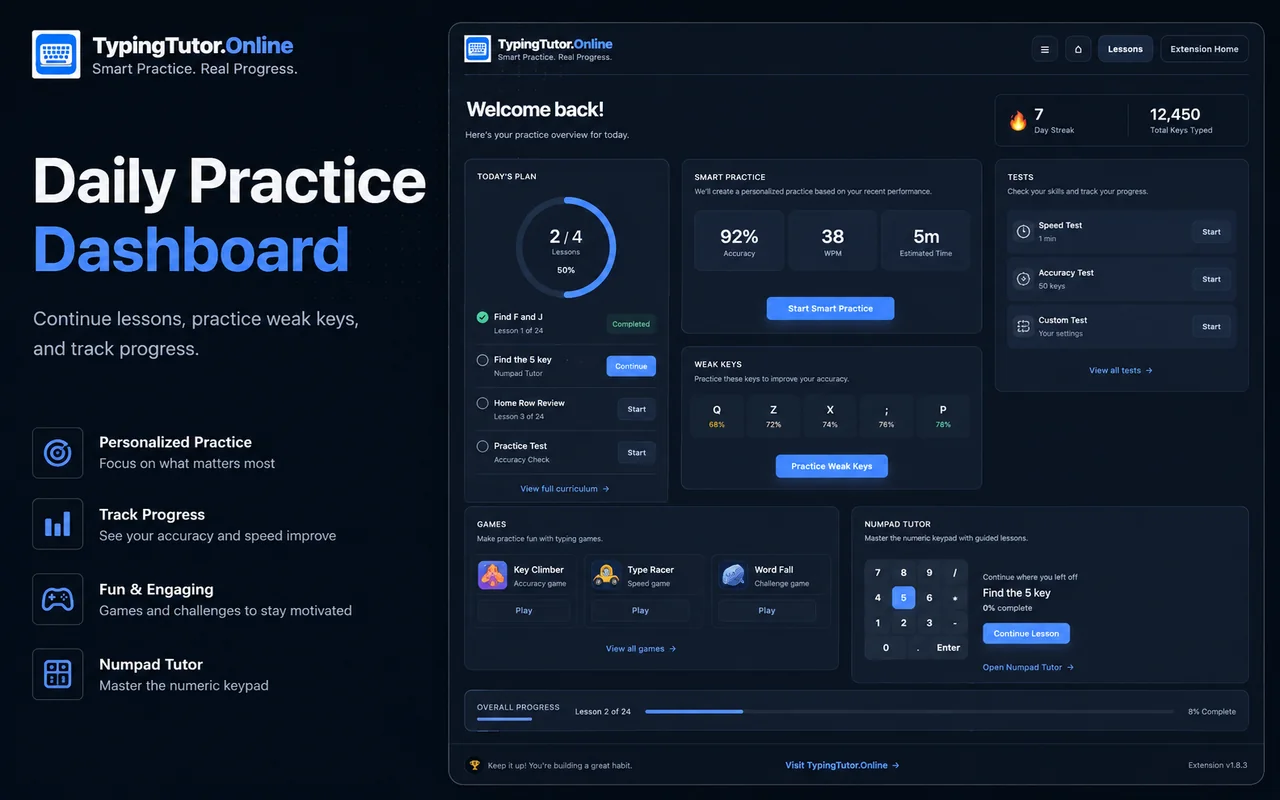
The extension uses a clean on-screen numpad to show the current key and help learners understand the keypad layout.
The extension version stays intentionally hand-free and uses keypad highlighting and finger labels. Learners who want a more advanced visual hand guide can optionally open the full TypingTutor.Online Numpad Tutor on the website.
Track Numpad Performance
- KPM
- Accuracy
- Errors
- Lesson progress
- Practice time
Progress is stored locally in Chrome.
Numpad Tests and Games
- 1-Minute Numpad Speed Test
- 3-Minute Numpad Accuracy Test
- Number Rush
- 10-Key Accuracy
These tools help learners move from guided practice into practical speed, control and accuracy work.
Who Should Use the Numpad Tutor?
The Numpad Tutor is useful for beginners, office users, accountants, data-entry learners, students and anyone who regularly types numbers.