

How to Type With Long Nails: Practical Keyboard Tips
Typing with long nails is possible, but there is no single best hand angle or keyboard for everyone. Nail length, shape, key height, and your contact style all matter. Adapt for accuracy and comfort first, then rebuild speed.
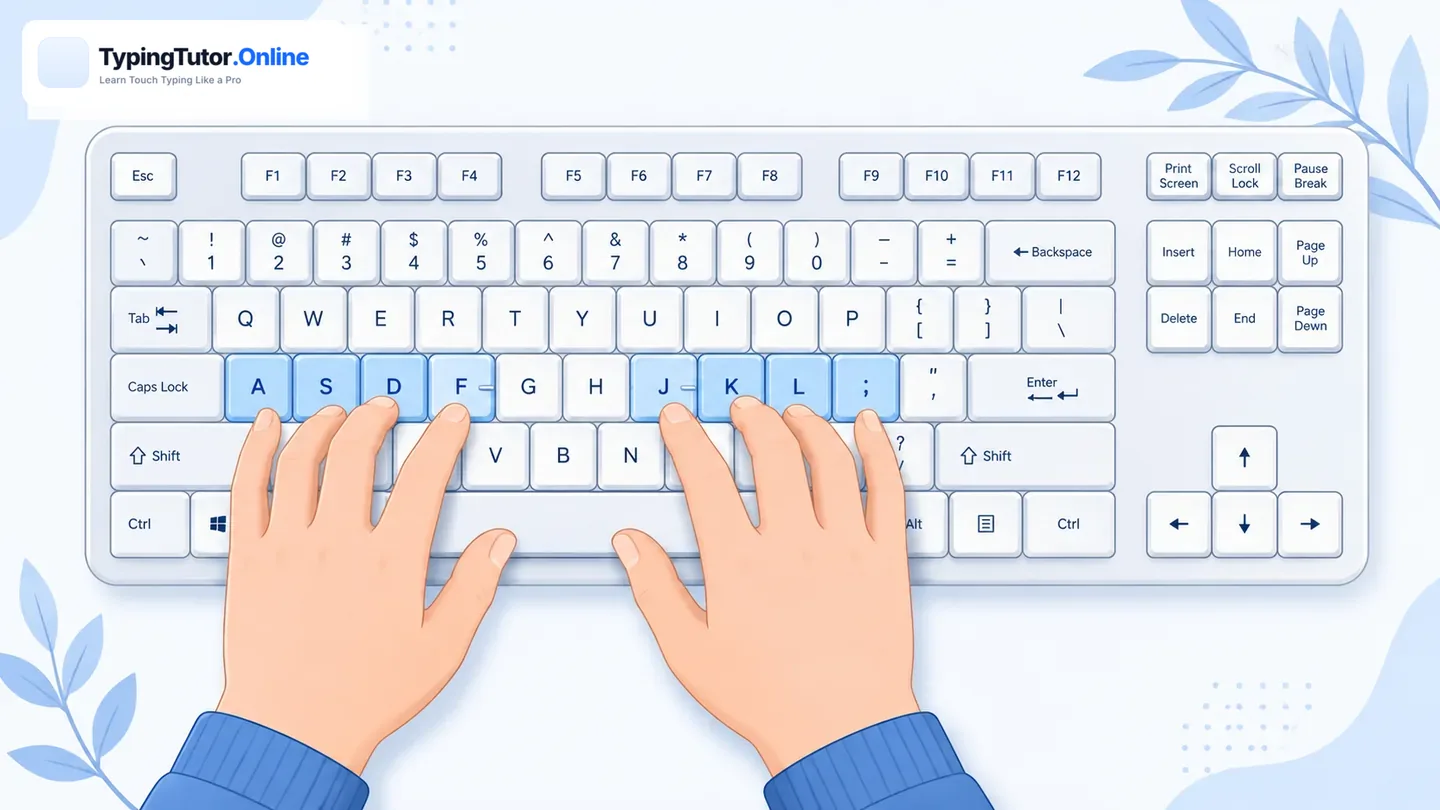
First, identify how your fingers actually hit the keys
Long nails change the point of contact between your fingers and the keyboard. Logitech's Ergo Lab describes two common approaches: some people flatten the fingers so the finger pad presses the key while the nail stays above it; others use a more arched hand and contact the key closer to the nail tip. Neither is automatically correct for everyone.
Choose comfort and accuracy before speed
When nail length or shape changes, your old muscle memory may no longer match the new contact point. Slow down for a few sessions and aim for clean, centred key presses. Once accuracy becomes predictable again, increase speed gradually.
Use our Blank Page for Typing for natural writing, then take a 3-minute typing test to compare your accuracy and WPM.
Keyboard choice is personal
A low-profile keyboard may feel easier for a flattened finger-pad style because the keys have less travel and a flatter surface. A traditional or mechanical keyboard may suit someone who types with more arched fingers or the nail tip because the keys can provide more height or separation. Logitech's long-nail guidance specifically notes that there is no one-size-fits-all keyboard choice.
Keep the wrists neutral
Do not compensate for nail length by bending your wrists sharply upward or sideways. OSHA recommends keeping wrists straight and in line with the forearms, with relaxed shoulders and elbows close to the body. If a nail-friendly technique forces an awkward wrist angle, change the keyboard position or the way you contact the keys.
Avoid striking the keys harder than necessary
Extra force does not make the keyboard register better. Use a light, controlled press and aim near the centre of each key. This can reduce accidental neighbouring-key presses and make it easier to maintain rhythm.
Relearn difficult keys and modifiers
Long nails can make certain reaches feel different, especially Shift, Backspace, punctuation, and keys near the edge of the keyboard. Use the Keyboard Tester to check how your keys register, then practise difficult combinations with the Custom Keys Typing Test.
Typing on a phone with long nails
Touchscreens behave differently from physical keys. If direct tapping becomes awkward, experiment with the side or pad of the thumb, swipe typing where supported, or a physical keyboard for longer work. For iPhone users, Apple supports both normal tapping and QuickPath swipe typing in supported languages.
Stop and adjust if the technique becomes uncomfortable
Typing should not require you to hold an extreme wrist or finger position. If the new technique causes discomfort, reduce the session length and adjust your setup. Persistent pain, numbness, or tingling should not be treated as a typing-speed problem.
A simple adaptation routine
- Type slowly for two or three minutes on a blank page.
- Notice which keys are being missed because of nail contact.
- Adjust the finger angle or keyboard position without bending the wrist sharply.
- Practise the difficult keys for a short focused block.
- Take the same 3-minute test and compare accuracy before WPM.
Sources checked
- Logitech Ergo Lab — typing styles and keyboard considerations for long nails
- Logitech — long-nail typing experience and keyboard fit
- U.S. OSHA — keyboard placement and neutral wrist posture
Frequently asked questions
Can you type fast with long nails?
Yes, many people adapt successfully, but the comfortable technique varies with nail length, shape, keyboard design, and how the fingers contact the keys. Focus on precision first while adapting.
Is a low-profile keyboard better for long nails?
It can be for people who flatten the fingers and use the finger pads, but it is not universal. Some long-nailed typists prefer higher keys and more space around the keycaps. Try the style that keeps your hands comfortable and accurate.
Should I type with my nails or finger pads?
There is no single method that works for everyone. Logitech ergonomics research describes both finger-pad/flattened and nail-tip approaches. Choose the contact style that lets you hit keys accurately without forcing an awkward wrist or finger posture.
How can I practise typing after changing nail length?
Slow down temporarily, use a blank page or normal typing practice, then take the same short test after you have adapted. Compare accuracy first and speed second.